- TESIGN / RADAR
- 2026.09.29
- Roborock Local Server
Roborock Local Server
Run a Roborock vacuum without the cloud
WHO USES ITHome Assistant users who want their Roborock vacuum off the internet.
Self-host
Runs Roborock's cloud backend on your own network so the vacuum keeps maps and controls without internet.
START IN 5 MINUTES ↓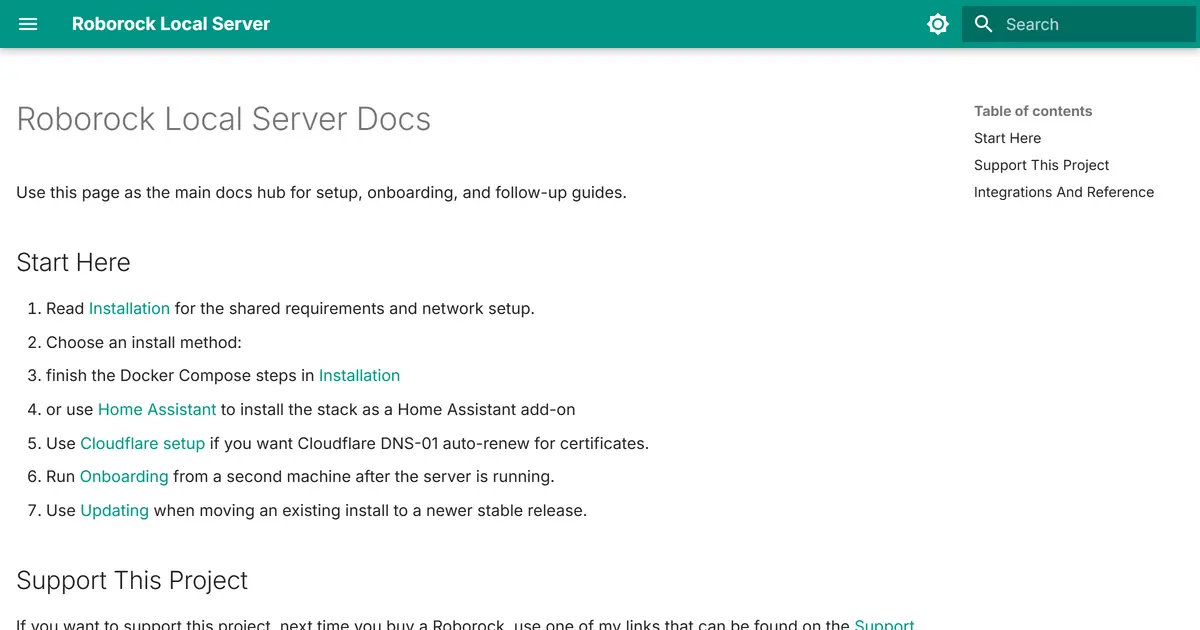
TESIGN TAKE
It cuts the cloud dependency in software alone, without opening the device.
Activity and discovery evidence
646 stars · checked on GitHub · no 7-day star increase observed (GH Archive) (as of ) · 1 Show HN points observed
NEW 0h OLD WHEN SEEN
AT A GLANCE
- LICENSE
- MIT
- USAGE
- Use, change and redistribute, commercially too. Keep the notice.
- LANGUAGE
- Python
- ACTIVITY
- last commit 1 day ago () · latest release [unconfirmed]
- COMMUNITY
- contributors [unconfirmed] · open issues [unconfirmed] · made by: [unconfirmed] Reference time unavailable
- SOURCES
- Show HN
- OPEN SOURCE
- YES
- FIRST SEEN
- CATEGORY
- HARDWARE
A summary, not legal advice.
WHY IT MATTERS
Roborock vacuums store maps locally but route map data through Roborock's cloud, and keep restarting their network when they can't reach it — so cutting them off the internet broke them.
BUILD FROM THIS
- It runs HTTPS and MQTT on your LAN and redirects DNS so the vacuum connects to it instead of Roborock. No disassembly, soldering or bootloader unlocking, and new vacuums work without prior cloud registration. Install with Docker Compose or as a Home Assistant add-on.
WHO IT'S FOR
- Home Assistant users who want their Roborock vacuum off the internet.
START IN 5 MINUTES
# Check the network requirements in the install guide, run the server with Docker Compose or the Home Assistant add-on, then run onboarding from a second machine.CAVEATS
- You need to manage your home network yourself (DNS changes, certificates). The README notes upstream authentication changes are the most frequent point of failure.
RECEIPT
- FIRST SEEN
- AT SOURCE
- KEPT
- CREATED → FIRST SEEN
- 0h
- WHEN FIRST SEEN
- 646 ★
- SOURCES
- Show HN
The same facts in machine-readable form — View as Markdown · JSON
SIMILAR TOOLS
Up to five from HARDWARE by ★ total: edited entries first, then repository cards; this entry is highlighted. Drawn from the same stored snapshot as the rankings — a comparison, not a recommendation.
| IMAGE | NAME | ★ TOTAL | ▲ 7d | LICENSE | PLATFORM | LAST PUSH |
|---|---|---|---|---|---|---|
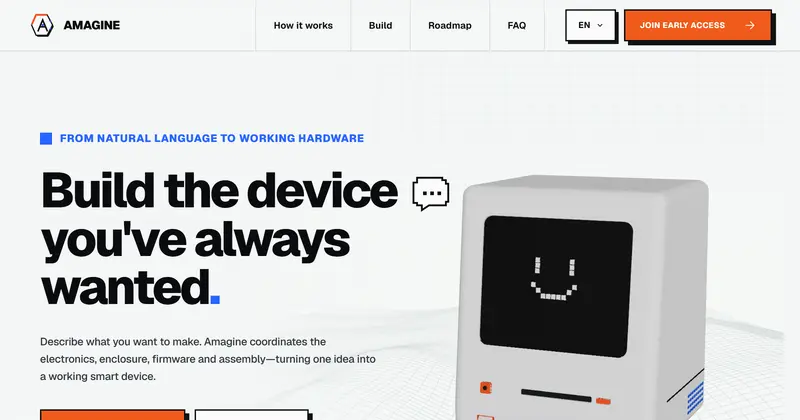 | Amagine3DEnclosure design for hardware makers | ★ 6.3k | — | Apache-2.0permissive | web | |
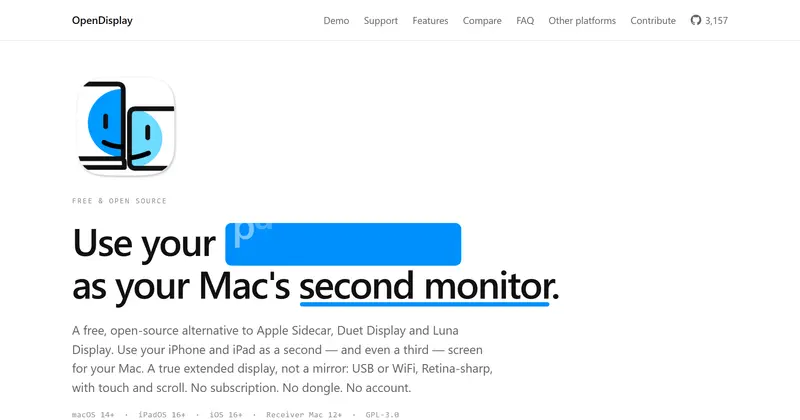 | OpenDisplayiPad or iPhone as a Mac second monitor | ★ 4.9k | — | GPL-3.0copyleft | macos · ios | |
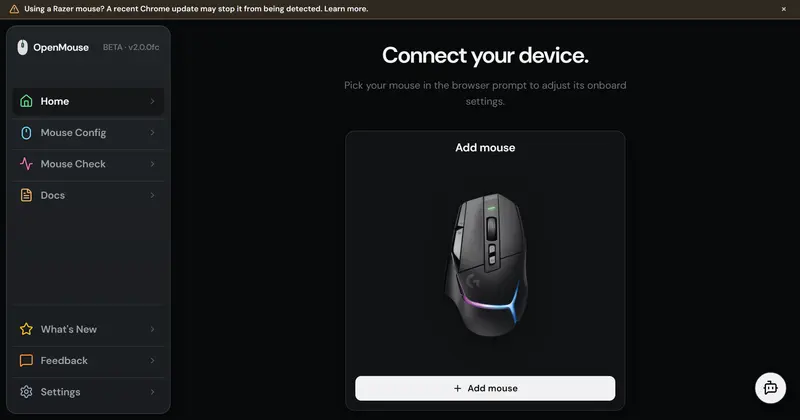 | OpenMouseGaming-mouse settings in the browser | ★ 2.1k | — | AGPL-3.0copyleft | web | |
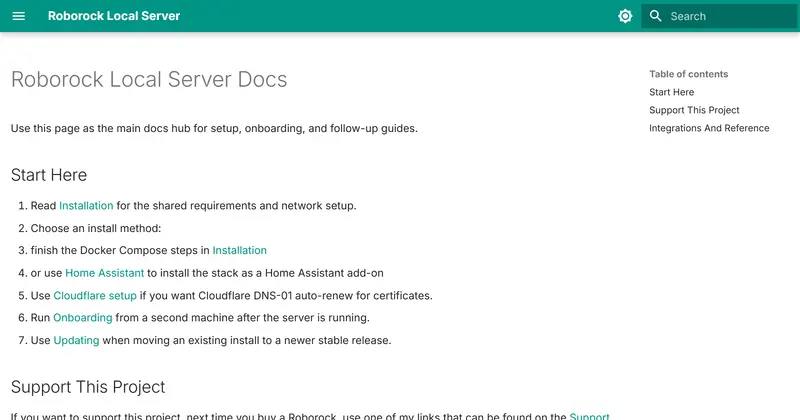 | Roborock Local ServerRun a Roborock vacuum without the cloudTHIS ENTRY | ★ 646 | — | MITpermissive | — | |
| makerspet/oomwooCARD | ★ 10.7k | — | Apache-2.0permissive | — |
ALSO WORTH SEEING
TIMELINE
- Repository created
- Show HN post ↗
- FIRST SEEN BY TESIGN
- Published on TESIGN
SAME DAY
- 01
UI UX Pro Max
Design sense for AI coding toolsA design-knowledge skill that lets AI coding tools pick styles, palettes, fonts and UX rules when they build screens.
Install to use★ 127k▲ +3 / 7d - 02
Shotcandy
Turn screenshots into share-ready imagesPaste a plain screenshot and get a share-ready image in seconds — free, in the browser.
Use in the browser★ 11▲ 2 HN - 03
SeasonMap
See where to travel this monthA world map that shows where it is good to travel this month, based on climate data.
Use in the browser▲ 23 HN - 04
LiveWorld
Browse the world's live cams on a globeEvery 24/7 YouTube live camera on one spinning globe you can browse.
Use in the browser▲ 42 HN - 05
iloader
Sideload apps onto your iPhone easilyA desktop companion that makes it easy to sideload SideStore and other apps onto an iPhone.
Install to use★ 3.2k - 07
reladraw
Diagram language with your own layoutA text language for diagrams where you decide where things go.
Use in the browser★ 564▲ +5 / 7d▲ 402 HN - 08
Window Sweaters
Knitted borders for your Mac windowsA macOS menu-bar app that dresses your windows in knitted borders.
Install to use★ 137 - 09
Lofi Cities
Pixel-art city nights with lofi musicPixel-art city nights with lofi music generated in your browser — a backdrop for working.
Use in the browser▲ 304 HN