- TESIGN / RADAR
- OpenDisplay
OpenDisplay
iPad or iPhone as a Mac second monitor
WHO USES ITMac user · Solo business · Developer
Install to use
Turns an iPhone or iPad into a real second monitor for a Mac.
START IN 5 MINUTES ↓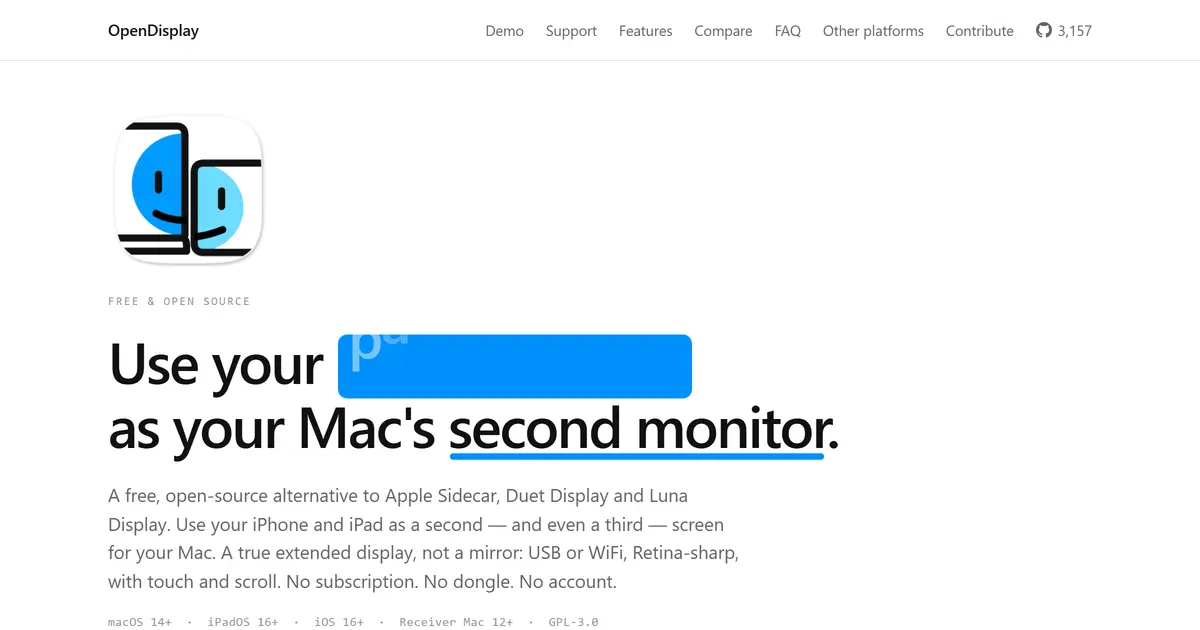
TESIGN TAKE
Turns an iPhone or iPad you already own into a true extended display with no account or dongle.
Activity and discovery evidence
6,132 stars · checked on GitHub · no 7-day star increase observed (GH Archive) (as of )
RANKS HARDWARE #3
AT A GLANCE
- LICENSE
- GPL-3.0
- USAGE
- Use freely. Release your source if you redistribute (copyleft).
- LANGUAGE
- Rust
- PLATFORM
- macos · ios
- ACTIVITY
- last commit 1 day ago () · latest release v1.30.1 () · 55 releases
- COMMUNITY
- 9 contributors · 188 open issues (incl. PRs) · made by: an individual
- SOURCES
- GitHub
- OPEN SOURCE
- YES
- FIRST SEEN
- CATEGORY
- HARDWARE · PRODUCTIVITY
A summary, not legal advice.
WHY IT MATTERS
Adding one more screen to a Mac usually starts with buying a device or paying for an app. opendisplay connects an iPhone or iPad you already own over USB or WiFi and uses it as a second monitor. It states low-latency H.264, Retina HiDPI and touch input. Written in Swift and published under GPL-3.0.
BUILD FROM THIS
- A portable setup that adds a second screen in a meeting room
- A desk layout with the iPad kept for tool panels only
WHO IT'S FOR
- Mac user
- adds a second screen in a meeting room or café
- Solo business
- wants a second monitor without a paid app
- Developer
- keeps the iPad for docs and tool panels only
START IN 5 MINUTES
# Mac: open OpenDisplay.dmg from the latest release, drag to Applications (macOS 14+)
# iPhone/iPad: install the app via the TestFlight public beta (iOS 16+)
# Connect a data-capable USB cable, then allow Screen Recording and Accessibility
CAVEATS
- Uses the private CGVirtualDisplay API, so a macOS update may break it
- The iOS app installs via TestFlight or your own build, not the App Store
- Encrypted WiFi transport is still on the roadmap
RECEIPT
- FIRST SEEN
- AT SOURCE
- KEPT
- CREATED → FIRST SEEN
- 94d
- WHEN FIRST SEEN
- 3,056 ★
- SOURCES
- GitHub
The same facts in machine-readable form — View as Markdown · JSON
SIMILAR TOOLS
Up to five from HARDWARE by ★ total: edited entries first, then repository cards; this entry is highlighted. Drawn from the same stored snapshot as the rankings — a comparison, not a recommendation.
| IMAGE | NAME | ★ TOTAL | ▲ 7d | LICENSE | PLATFORM | LAST PUSH |
|---|---|---|---|---|---|---|
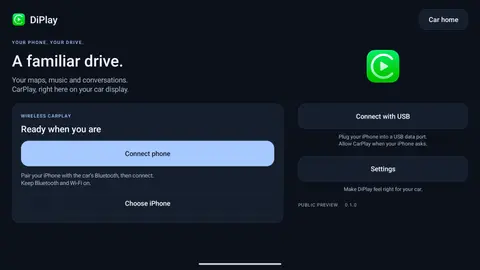
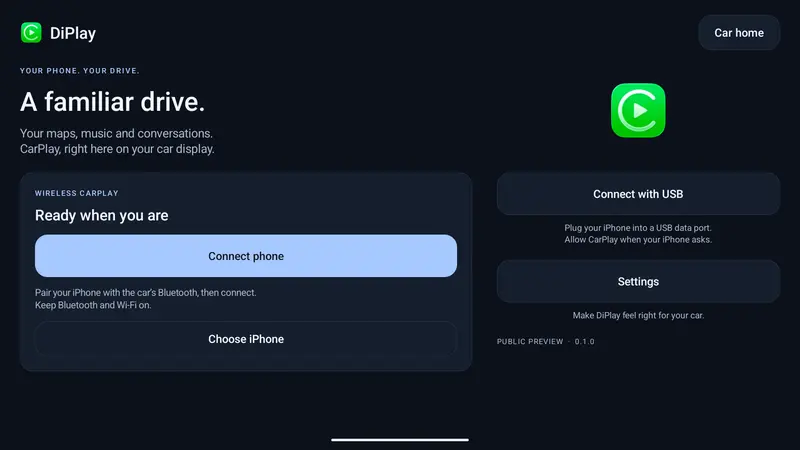 | DiPlayCarPlay for BYD Android head units | ★ 13k | — | GPL-3.0copyleft | android | |
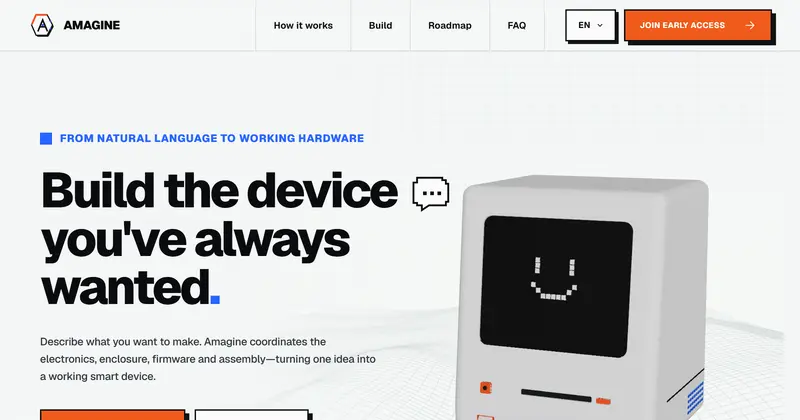 | Amagine3DEnclosure design for hardware makers | ★ 6.3k | — | Apache-2.0permissive | web | |
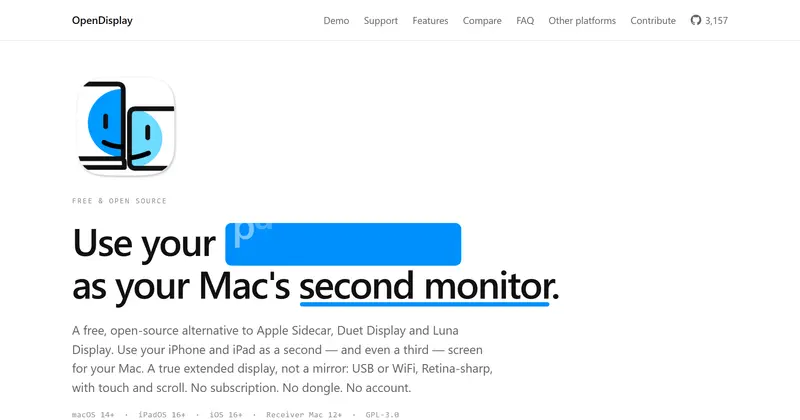 | OpenDisplayiPad or iPhone as a Mac second monitorTHIS ENTRY | ★ 6.1k | — | GPL-3.0copyleft | macos · ios | |
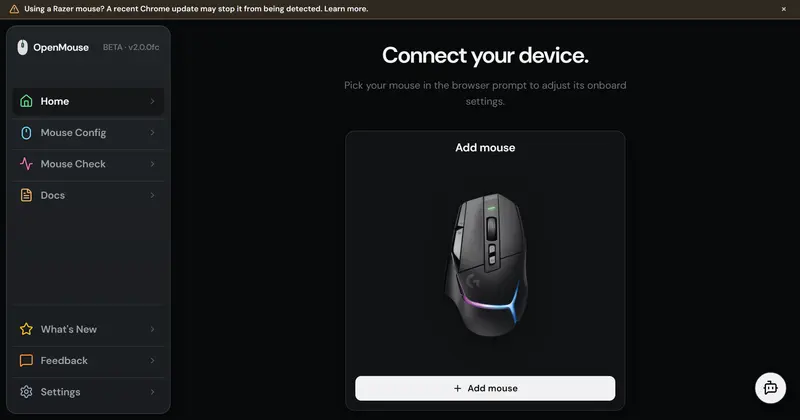 | OpenMouseGaming-mouse settings in the browser | ★ 2.8k | — | AGPL-3.0copyleft | web | |
| makerspet/oomwooCARD | ★ 10.7k | — | Apache-2.0permissive | — |
ALSO WORTH SEEING
TIMELINE
- Repository created
- FIRST SEEN BY TESIGN