- TESIGN / RADAR
- ESP-KVM
ESP-KVM
Build-your-own remote KVM
WHO USES ITHomelab and mini-PC owners · Home Assistant users · Embedded developers working with the ESP32-P4 or HDMI capture
Self-host
ESP32-P4 IP-KVM: a PC's BIOS screen, keyboard and mouse in a browser, about $40 in parts
START IN 5 MINUTES ↓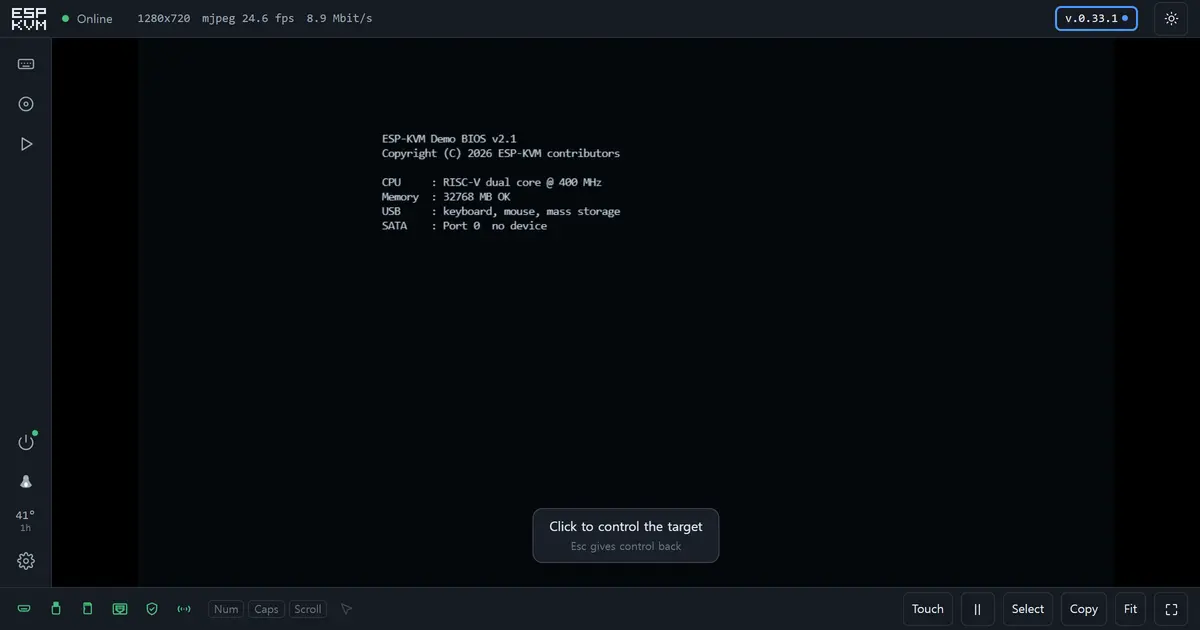
TESIGN TAKE
It earns its keep exactly where remote desktop dies, and fills that gap with $40 of parts and a browser flasher — but take the author's 'do not put this on the public internet' literally.
Activity and discovery evidence
572 stars · checked on GitHub · no 7-day star increase observed (GH Archive) (as of )
BACK CATALOG
AT A GLANCE
- LICENSE
- Apache-2.0
- USAGE
- Commercial use, redistribution OK. Keep notices; mark changes.
- LANGUAGE
- C
- PLATFORM
- web
- ACTIVITY
- last commit 2 days ago () · latest release v.0.75.0 () · 126 releases
- COMMUNITY
- 5 contributors · 2 open issues (incl. PRs) · made by: an organization
- SOURCES
- GitHub
- OPEN SOURCE
- YES
- FIRST SEEN
- CATEGORY
- HARDWARE · INFRA
A summary, not legal advice.
WHY IT MATTERS
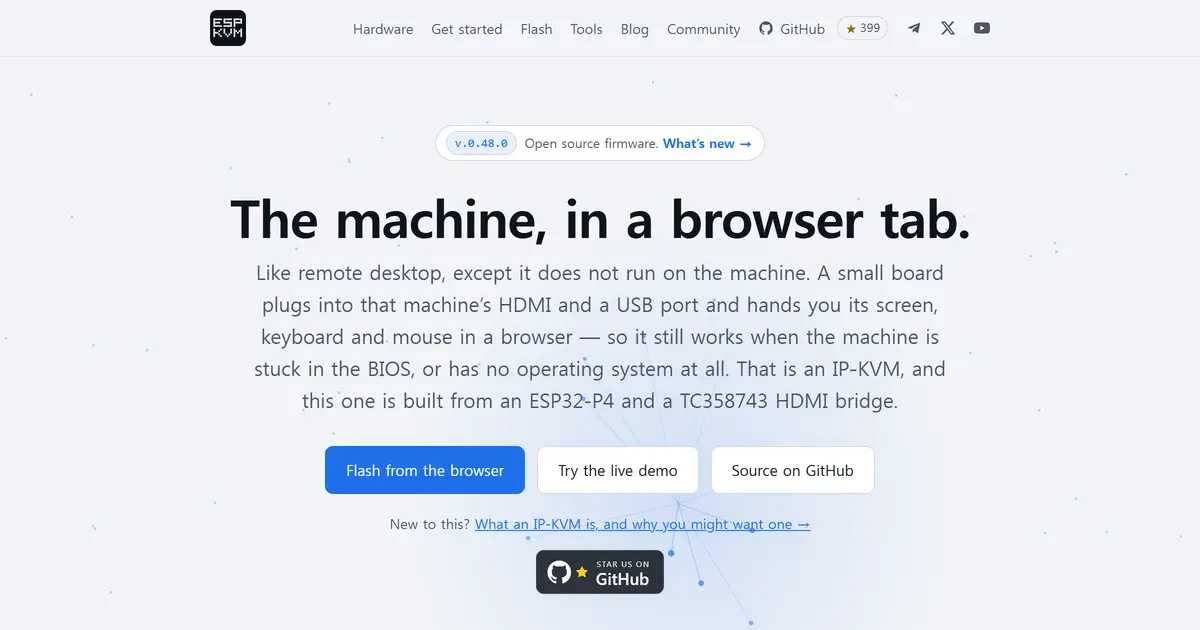
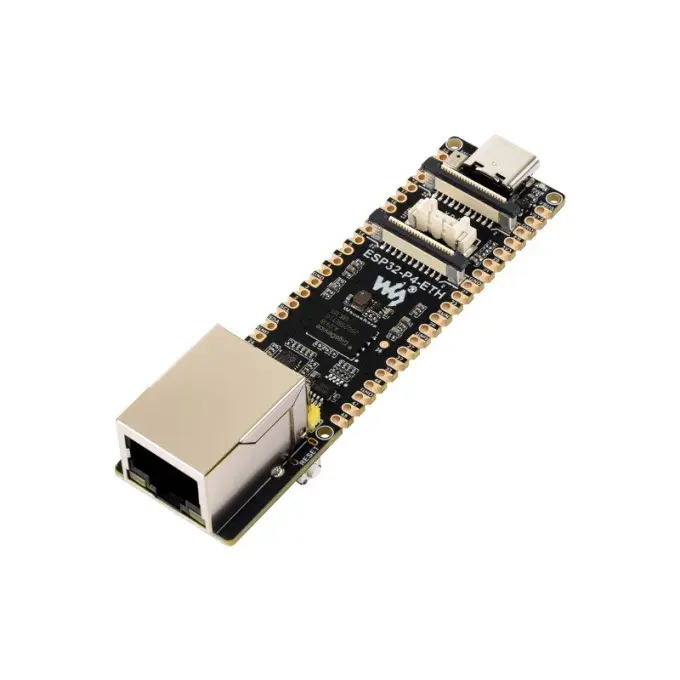
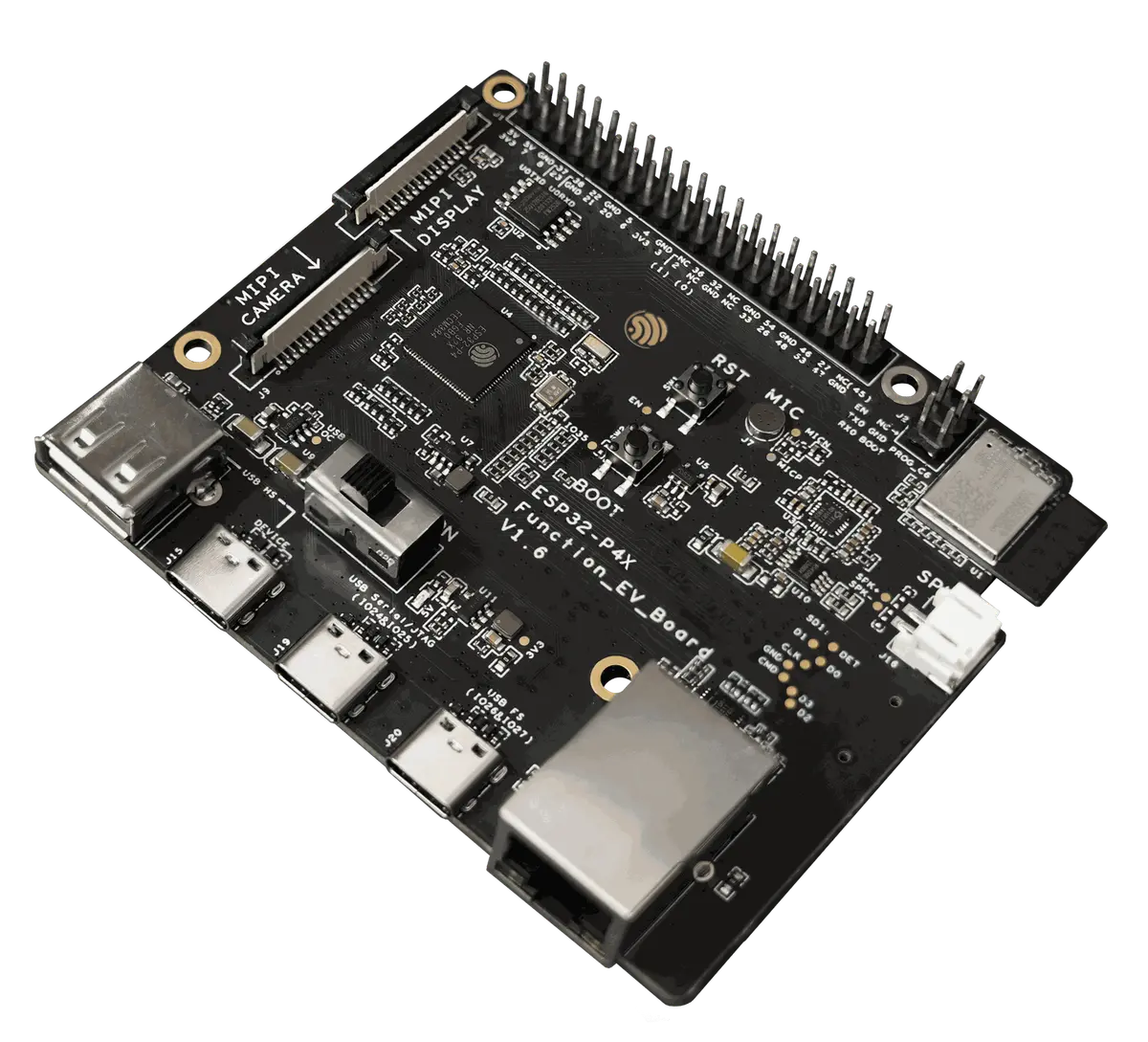
Remote desktop needs a running OS; this board plugs into the target's HDMI output and a USB port and shows the BIOS, boot menu or a machine with no OS at all in a browser. It is built from an ESP32-P4 board and a Toshiba TC358743 HDMI-to-CSI bridge (Geekworm C790), and the homepage puts the parts at about $40. Measured at 1080p: MJPEG 20 fps on the Waveshare ESP32-P4-ETH, H.264 22–24 fps on the Function EV (rev 3.2). Virtual-media boot, Wake-on-LAN, ATX power control, Home Assistant over MQTT and WireGuard/Tailscale are included; it flashes from the browser, latest release v0.48.0 (2026-09-14).
BUILD FROM THIS
- Fit one to each homelab server or mini-PC as a stand-in for a BMC, or combine runbooks (a macro that waits for 'Press F2' on screen, then presses F2) with the cron scheduler for text-screen jobs such as BIOS setup and boot menus, and for overnight checks.
WHO IT'S FOR
- Homelab and mini-PC owners
- enter the BIOS and reinstall an OS remotely
- Home Assistant users
- MQTT auto-discovery exposes a screen still, power buttons and sensors
- Embedded developers working with the ESP32-P4 or HDMI capture
- TC358743 bring-up and CSI register code to study
START IN 5 MINUTES
# 1. Download your board's espkvm-<version>-<board>-merged.bin from Releases (e.g. -p4-eth-, -funcev-)
# esptool --chip esp32p4 -b 921600 write-flash 0x0 espkvm-<version>-<board>-merged.bin
# # or flash straight from Chrome/Edge at https://espkvm.io/flash/
# 2. Connect Ethernet, HDMI from the target and the board's USB 2.0 OTG-HS port to the target, then open https://espkvm.local/
# 3. Sign in as admin / admin → the console will not continue until the password is changed
CAVEATS
- Apache-2.0; the author notes H.264 is patent-encumbered whatever licence the code carries
- Hardware: an ESP32-P4 board with 32 MB PSRAM and 16 MB flash plus a TC358743 capture board (Geekworm C790) — about $40 per the homepage; chip revision (below/above 3.0) changes the build
- No security review yet, so keep it off the public internet (VPN built in); HDMI audio not implemented; H.264, keyboard and mouse need HTTPS with the device CA trusted
RECEIPT
- FIRST SEEN
- AT SOURCE
- KEPT
- CREATED → FIRST SEEN
- 52d
- SOURCES
- GitHub
- ◌ BACK CATALOG
- Reconstructed from archive data, not a live discovery.
The same facts in machine-readable form — View as Markdown · JSON
SIMILAR TOOLS
Up to five from HARDWARE by ★ total: edited entries first, then repository cards; this entry is highlighted. Drawn from the same stored snapshot as the rankings — a comparison, not a recommendation.
| IMAGE | NAME | ★ TOTAL | ▲ 7d | LICENSE | PLATFORM | LAST PUSH |
|---|---|---|---|---|---|---|
 | DiPlayCarPlay for BYD Android head units | ★ 13k | — | GPL-3.0copyleft | android | |
 | Amagine3DEnclosure design for hardware makers | ★ 6.3k | — | Apache-2.0permissive | web | |
 | OpenDisplayiPad or iPhone as a Mac second monitor | ★ 6.1k | — | GPL-3.0copyleft | macos · ios | |
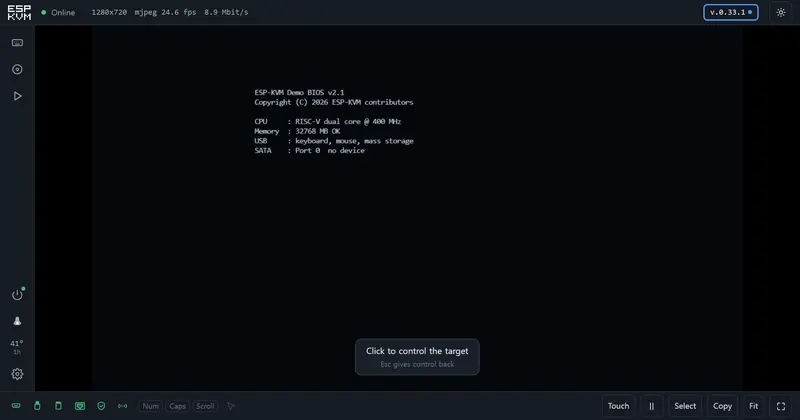 | ESP-KVMBuild-your-own remote KVMTHIS ENTRY | ★ 572 | — | Apache-2.0permissive | web | |
| makerspet/oomwooCARD | ★ 10.7k | — | Apache-2.0permissive | — |
ALSO WORTH SEEING
TIMELINE
- Repository created
- FIRST SEEN BY TESIGN ◌ BACK CATALOG