- TESIGN / RADAR
- 2026.09.20
- VocaWin
VocaWin
Voice typing that stays on your PC
WHO USES ITWindows users who want to dictate mail and documents but do not want the audio leaving the machine.
Install to use
Hold a hotkey, speak, and the text appears at the cursor — Windows dictation that stays on the PC.
START IN 5 MINUTES ↓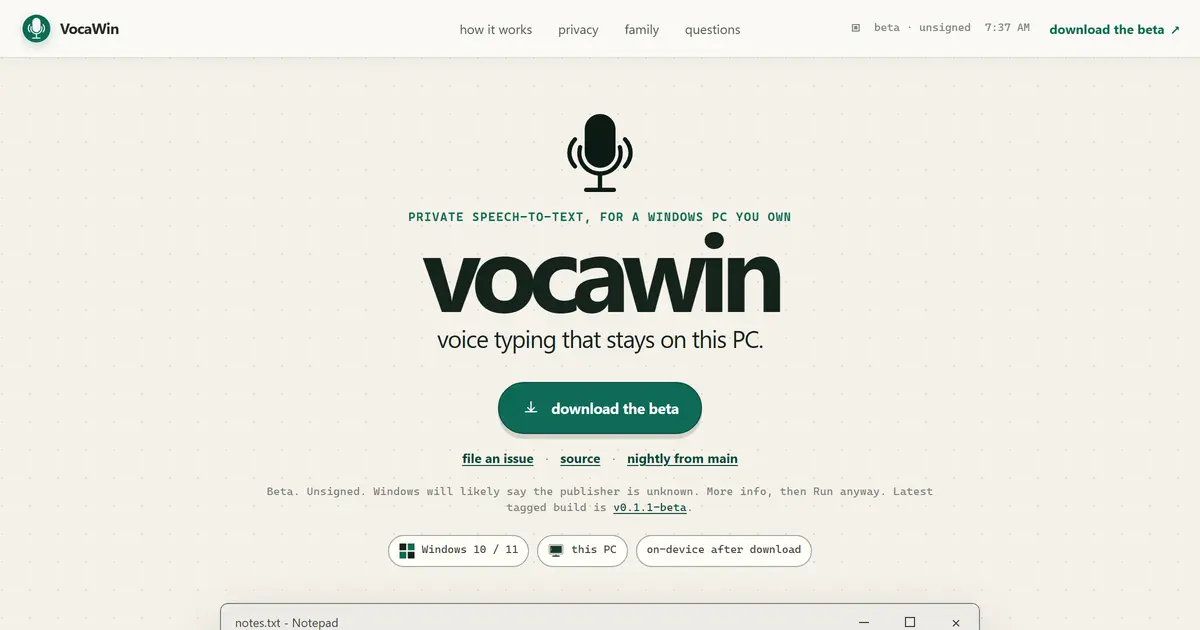
TESIGN TAKE
The first line of its own page says "beta, unsigned". Stating that up front is more useful when choosing a tool than hiding it.
Activity and discovery evidence
81 stars · checked on GitHub · no 7-day star increase observed (GH Archive) (as of )
AT A GLANCE
- LICENSE
- AGPL-3.0
- USAGE
- Release source if you redistribute or host it as a service.
- LANGUAGE
- Rust
- PLATFORM
- windows
- ACTIVITY
- last commit within 24 h () · latest pre-release nightly () · 8 releases
- COMMUNITY
- 4 contributors · 7 open issues (incl. PRs) · made by: an organization
- SOURCES
- GitHub
- OPEN SOURCE
- YES
- FIRST SEEN
- CATEGORY
- AI · PRODUCTIVITY
A summary, not legal advice.
WHY IT MATTERS
Most dictation tools send your voice to a company server. VocaWin is built so that, once a model is on disk, recording and transcription stay on the PC. There is no account to create and no hosted speech service behind it.
BUILD FROM THIS
- A Tauri and Rust tray app. Right Alt is the default push-to-talk key, with a double tap to toggle; hotkeys, models, languages, silence detection and start-on-login live in Settings. Models (Whisper family, Parakeet, Moonshine, SenseVoice and others) download inside the app, and Windows acceleration runs on Vulkan or DirectML with a CPU fallback. Text is typed at the caret and your clipboard is left alone.
WHO IT'S FOR
- Windows users who want to dictate mail and documents but do not want the audio leaving the machine.
START IN 5 MINUTES
# Download the beta installer from vocawin.com, then download a speech model once from inside the app.CAVEATS
- It is a beta and unsigned, so Windows will flag an unknown publisher. No model ships with the installer, so the first run needs the network once. Elevated windows can block text injection, and there is no auto-update. AGPL-3.0 means a modified, served version must publish its source.
RECEIPT
- FIRST SEEN
- AT SOURCE
- KEPT
- CREATED → FIRST SEEN
- 199d
- WHEN FIRST SEEN
- 85 ★
- SOURCES
- GitHub
The same facts in machine-readable form — View as Markdown · JSON
SIMILAR TOOLS
Up to five from AI by ★ total: edited entries first, then repository cards; this entry is highlighted. Drawn from the same stored snapshot as the rankings — a comparison, not a recommendation.
| IMAGE | NAME | ★ TOTAL | ▲ 7d | LICENSE | PLATFORM | LAST PUSH |
|---|---|---|---|---|---|---|
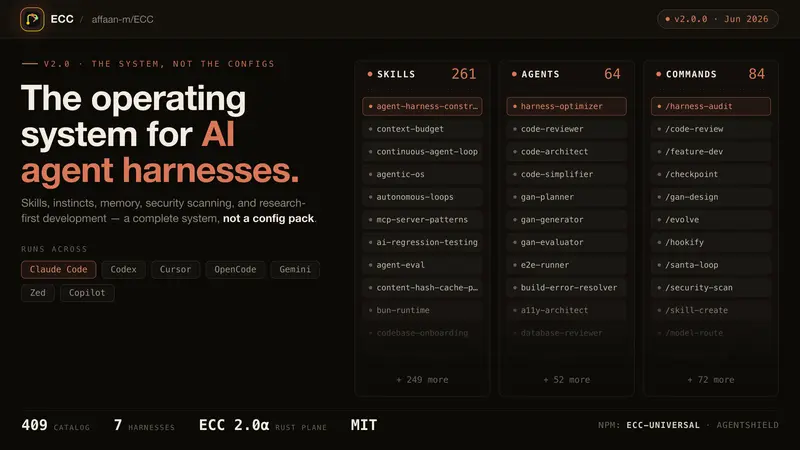 | eccSkills, memory and security for agents | ★ 297k | ▲ +37 | MITpermissive | windows · macos · linux · cli | |
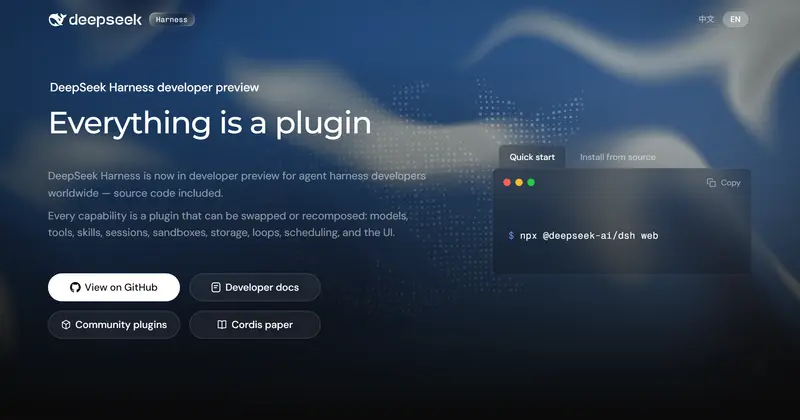 | DeepSeek HarnessPlugin agent harness for developers | ★ 271k | ▲ +52 | MITpermissive | web · cli | |
 | Hermes AgentSelf-improving personal agent | ★ 260k | ▲ +12 | MITpermissive | linux · macos · windows · android · cli | |
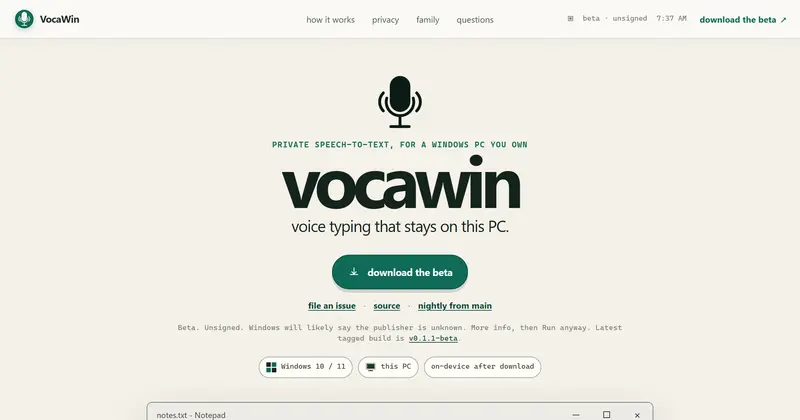 | VocaWinVoice typing that stays on your PCTHIS ENTRY | ★ 81 | — | AGPL-3.0copyleft | windows | |
| anomalyco/opencodeCARD | ★ 207k | ▲ +8 | MITpermissive | — |
ALSO WORTH SEEING
TIMELINE
- Repository created
- FIRST SEEN BY TESIGN
- Published on TESIGN
SAME DAY
- 01
GitDiagram
See how a GitHub project is builtPaste a GitHub repository URL and get its architecture as one interactive diagram.
Use in the browser★ 18.7k - 02
JobSync
Track job applications on your serverA self-hosted job-search companion that keeps applications, resumes and interview notes in one place.
Self-host★ 1.5k - 04
Look4Sat
See when a satellite passes overheadAn Android satellite tracker that works out when the next pass crosses your sky, and where to look.
Install to use★ 1.5k - 05
Syrinx
Practise flute with piano backingA flute practice app that plays the piano part for you and shows how each note landed.
Use in the browser★ 51 - 06
LaraNode
Run your own hosting control panelA free, self-hosted hosting control panel: sites, SSL, databases, firewall and backups in one screen.
Self-host★ 759 - 07
txcript
Continue an AI session in another toolMove an AI coding session from one agent to another and carry on where you left off.
Install to use★ 209▲ 4 HN - 08
outloud
Check if a PDF reads correctly aloudA PDF accessibility checker that shows what a screen reader would actually say.
Install to use★ 15▲ 3 HN - 09
Alidade
Build and style maps in the browserAn open Web-GIS: drop in spatial data, style it, and fly over 3D terrain in the browser.
Use in the browser★ 17▲ 2 HN - 10
Apeeye
Spin up mock REST endpoints fastMock REST endpoints in seconds — no login, no config, no database.
Use in the browser★ 6▲ 2 HN