- TESIGN / RADAR
- 2026.09.20
- GitDiagram
GitDiagram
See how a GitHub project is built
WHO USES ITPeople opening an open-source project for the first time, developers inheriting a codebase, and new joiners finding their way around.
Use in the browser
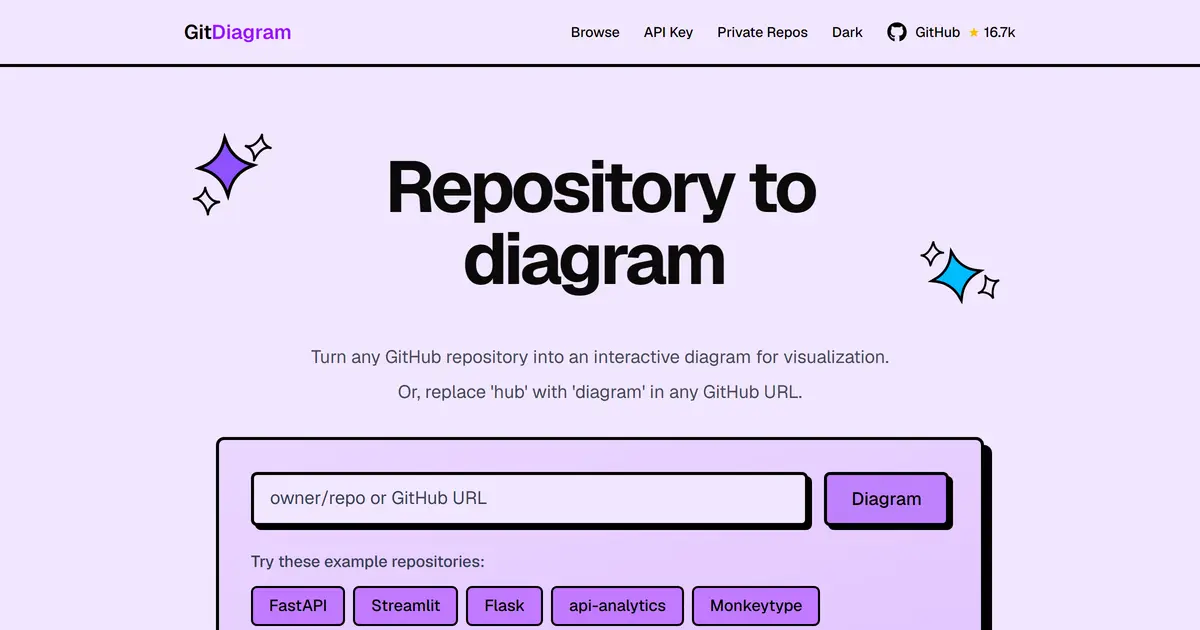
Paste a GitHub repository URL and get its architecture as one interactive diagram.
START IN 5 MINUTES ↓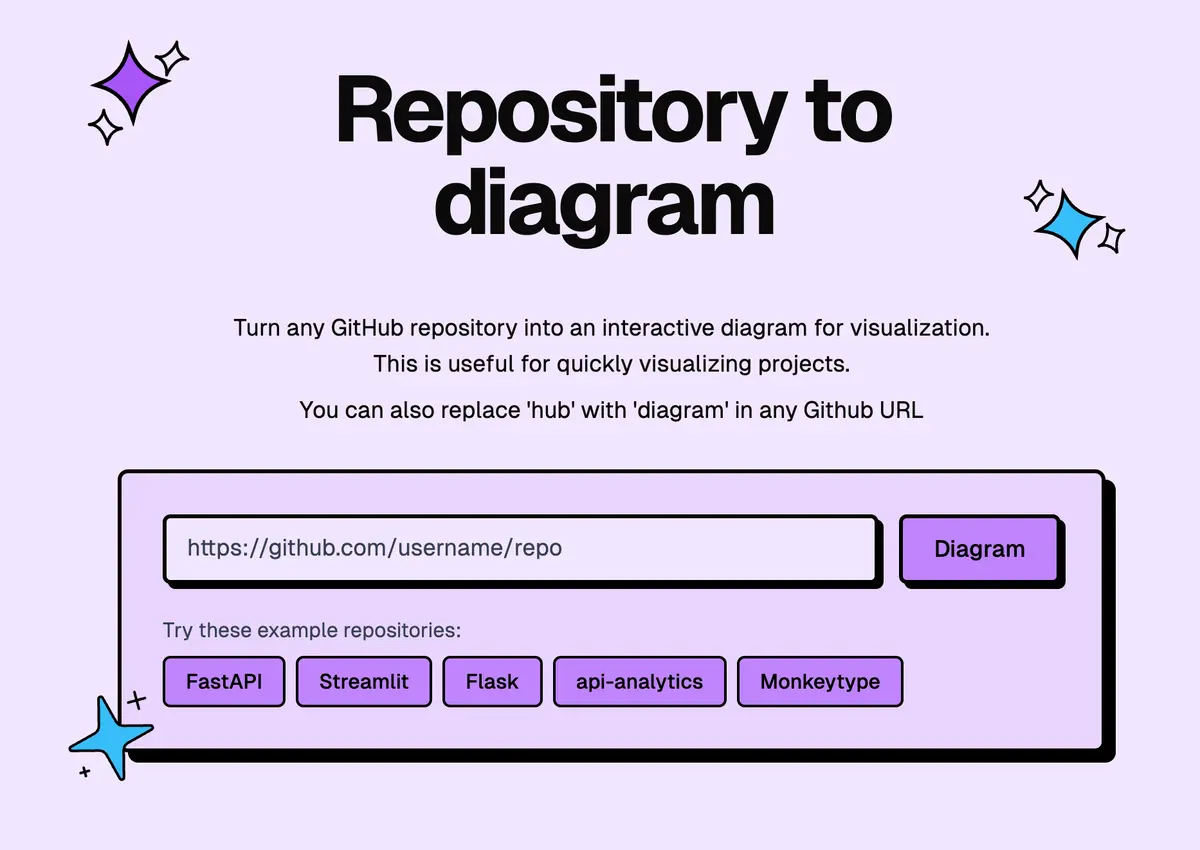
TESIGN TAKE
The diagram earns its place because each box opens the actual file. On an unfamiliar repository it saves the first few minutes of deciding where to start reading.
Activity and discovery evidence
18,732 stars · checked on GitHub · no 7-day star increase observed (GH Archive) (as of )
AT A GLANCE
- LICENSE
- MIT
- USAGE
- Use, change and redistribute, commercially too. Keep the notice.
- LANGUAGE
- TypeScript
- PLATFORM
- web
- ACTIVITY
- last commit 4 days ago () · no releases
- COMMUNITY
- 5 contributors · 56 open issues (incl. PRs) · made by: an individual
- SOURCES
- GitHub
- OPEN SOURCE
- YES
- FIRST SEEN
- CATEGORY
- DEV TOOLS
A summary, not legal advice.
WHY IT MATTERS
Opening someone else’s repository shows folder names, not how the parts fit. GitDiagram reads the file tree and the README and draws a system-level graph instead of a folder chart. You can also just swap "hub" for "diagram" in a GitHub URL.
BUILD FROM THIS
- Next.js 16, React 19 and TypeScript, with the graph drawn in Mermaid. Clicking a component opens the real file or directory on GitHub, and you can copy the Mermaid source or download a PNG. Private repositories work with a token held in your browser, stored separately. Generation uses OpenAI by default, with OpenRouter available for self-hosted deployments.
WHO IT'S FOR
- People opening an open-source project for the first time, developers inheriting a codebase, and new joiners finding their way around.
START IN 5 MINUTES
# Paste a repository URL at gitdiagram.com, or replace "hub" with "diagram" in the GitHub URL you are already looking at.CAVEATS
- The diagram is an AI’s reading of the code and can be wrong. The hosted service meters usage, and self-hosting needs your own OpenAI or OpenRouter key.
RECEIPT
- FIRST SEEN
- AT SOURCE
- KEPT
- CREATED → FIRST SEEN
- 641d
- WHEN FIRST SEEN
- 16,146 ★
- SOURCES
- GitHub
The same facts in machine-readable form — View as Markdown · JSON
SIMILAR TOOLS
Up to five from DEV TOOLS by ★ total: edited entries first, then repository cards; this entry is highlighted. Drawn from the same stored snapshot as the rankings — a comparison, not a recommendation.
| IMAGE | NAME | ★ TOTAL | ▲ 7d | LICENSE | PLATFORM | LAST PUSH |
|---|---|---|---|---|---|---|
 | eccSkills, memory and security for agents | ★ 297k | ▲ +37 | MITpermissive | windows · macos · linux · cli | |
 | DeepSeek HarnessPlugin agent harness for developers | ★ 271k | ▲ +52 | MITpermissive | web · cli | |
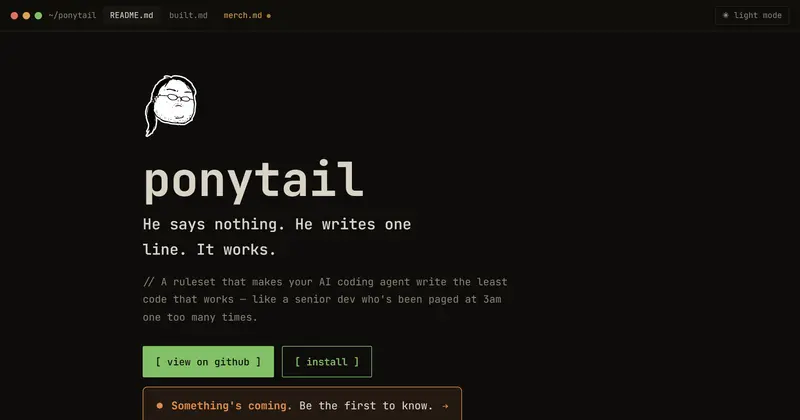 | ponytailMake your agent write less code | ★ 184k | ▲ +30 | MITpermissive | — | |
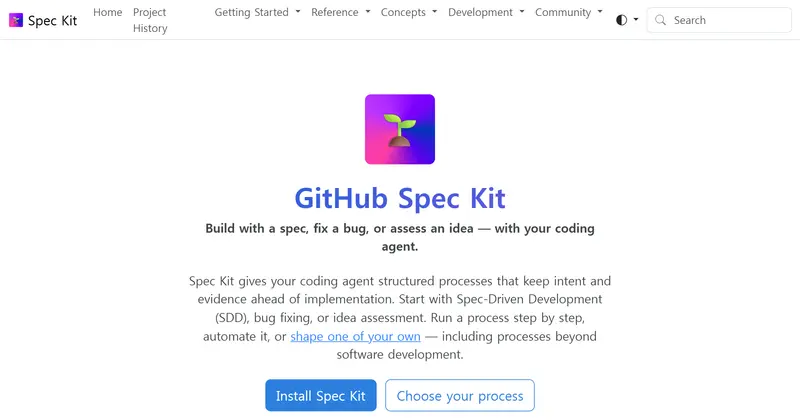 | Spec KitSpec-first process for coding agents | ★ 147k | ▲ +16 | MITpermissive | cli · windows · macos · linux | |
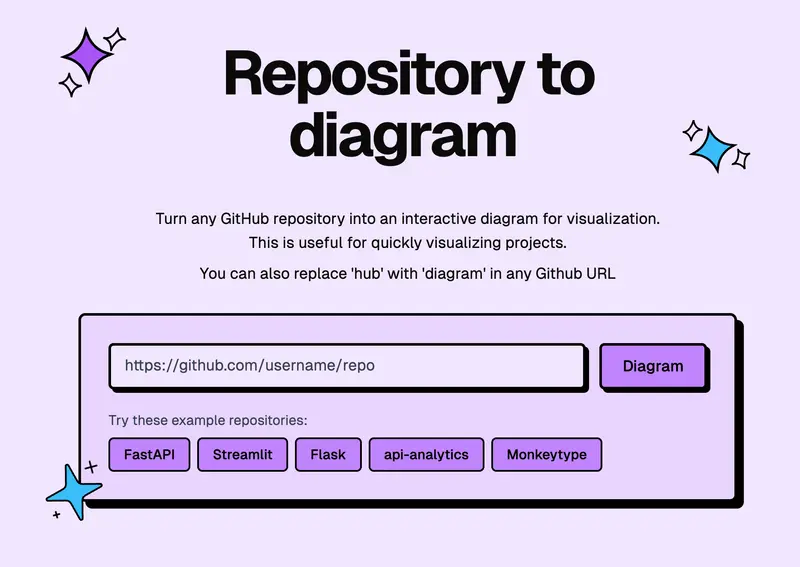 | GitDiagramSee how a GitHub project is builtTHIS ENTRY | ★ 18.7k | — | MITpermissive | web |
ALSO WORTH SEEING

TIMELINE
- Repository created
- FIRST SEEN BY TESIGN
- Published on TESIGN
SAME DAY
- 02
JobSync
Track job applications on your serverA self-hosted job-search companion that keeps applications, resumes and interview notes in one place.
Self-host★ 1.5k - 03
VocaWin
Voice typing that stays on your PCHold a hotkey, speak, and the text appears at the cursor — Windows dictation that stays on the PC.
Install to use★ 81 - 04
Look4Sat
See when a satellite passes overheadAn Android satellite tracker that works out when the next pass crosses your sky, and where to look.
Install to use★ 1.5k - 05
Syrinx
Practise flute with piano backingA flute practice app that plays the piano part for you and shows how each note landed.
Use in the browser★ 51 - 06
LaraNode
Run your own hosting control panelA free, self-hosted hosting control panel: sites, SSL, databases, firewall and backups in one screen.
Self-host★ 759 - 07
txcript
Continue an AI session in another toolMove an AI coding session from one agent to another and carry on where you left off.
Install to use★ 209▲ 4 HN - 08
outloud
Check if a PDF reads correctly aloudA PDF accessibility checker that shows what a screen reader would actually say.
Install to use★ 15▲ 3 HN - 09
Alidade
Build and style maps in the browserAn open Web-GIS: drop in spatial data, style it, and fly over 3D terrain in the browser.
Use in the browser★ 17▲ 2 HN - 10
Apeeye
Spin up mock REST endpoints fastMock REST endpoints in seconds — no login, no config, no database.
Use in the browser★ 6▲ 2 HN