tfm
Drag and drop files inside your terminal
WHO USES ITPeople who live in the terminal but do not want to give up the mouse, and Linux desktop users.
Install to use
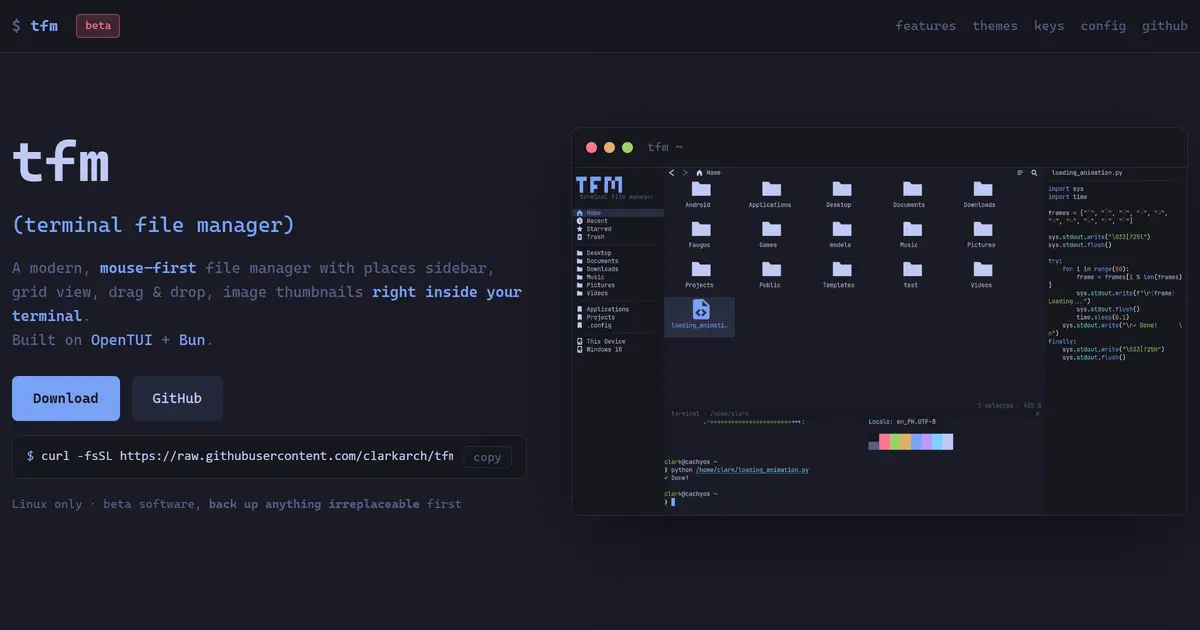
A terminal file manager built for the mouse — drag, drop, dual panes, thumbnails.
START IN 5 MINUTES ↓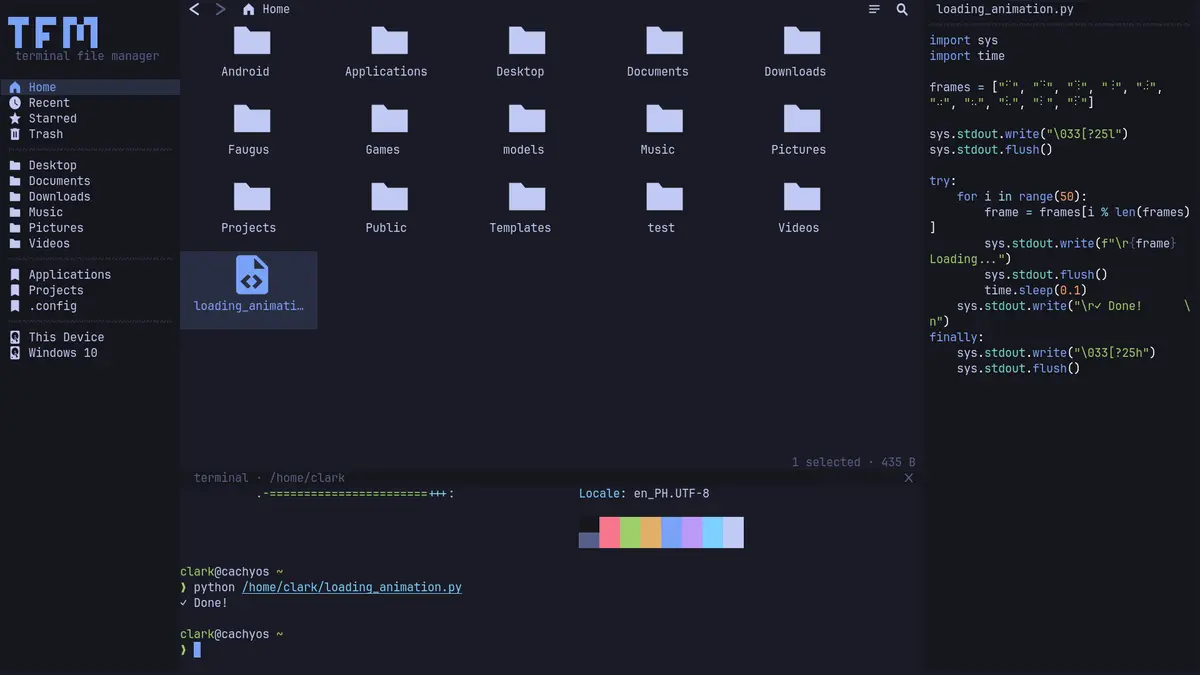
TESIGN TAKE
The point is bringing the muscle memory of a desktop file manager straight into the terminal.
Activity and discovery evidence
136 stars · checked on GitHub GitHub check 147 h late · incl. +3 observed via GH Archive since then · 7-day +9 observed via GH Archive (as of )
AT A GLANCE
- LICENSE
- MIT
- USAGE
- Use, change and redistribute, commercially too. Keep the notice.
- LANGUAGE
- TypeScript
- PLATFORM
- linux · cli
- ACTIVITY
- last commit 6 days ago () · latest release [unconfirmed]
- COMMUNITY
- contributors [unconfirmed] · open issues [unconfirmed] · made by: [unconfirmed] Reference time unavailable
- SOURCES
- GitHub
- OPEN SOURCE
- YES
- FIRST SEEN
- CATEGORY
- DEV TOOLS · PRODUCTIVITY
A summary, not legal advice.
WHY IT MATTERS
A terminal file manager is usually keyboard-only, and that takes time to learn. tfm keeps clicking, dragging and right-click menus, with two panes side by side so F5 copies and F6 moves between them. Network locations — sftp, smb, WebDAV, FTP — connect from the sidebar too.
BUILD FROM THIS
- Built with Bun; in a terminal that supports the kitty graphics protocol (kitty, ghostty, WezTerm, Konsole and others) it shows real image and video thumbnails, falling back to Nerd Font glyphs elsewhere. It has an embedded terminal, archive extract/compress, and more than 30 themes.
WHO IT'S FOR
- People who live in the terminal but do not want to give up the mouse, and Linux desktop users.
START IN 5 MINUTES
# Install with curl -fsSL https://raw.githubusercontent.com/clarkarch/tfm-tui/main/install.sh | bash.CAVEATS
- It is still beta, and the repository says plainly to back up anything irreplaceable before a file operation. Linux only, and image thumbnails plus cross-app drag work only in kitty-family terminals.
RECEIPT
- FIRST SEEN
- AT SOURCE
- KEPT
- CREATED → FIRST SEEN
- 21d
- WHEN FIRST SEEN
- 133 ★
- SOURCES
- GitHub
The same facts in machine-readable form — View as Markdown · JSON
SIMILAR TOOLS
Up to five from DEV TOOLS by ★ total: edited entries first, then repository cards; this entry is highlighted. Drawn from the same stored snapshot as the rankings — a comparison, not a recommendation.
| IMAGE | NAME | ★ TOTAL | ▲ 7d | LICENSE | PLATFORM | LAST PUSH |
|---|---|---|---|---|---|---|
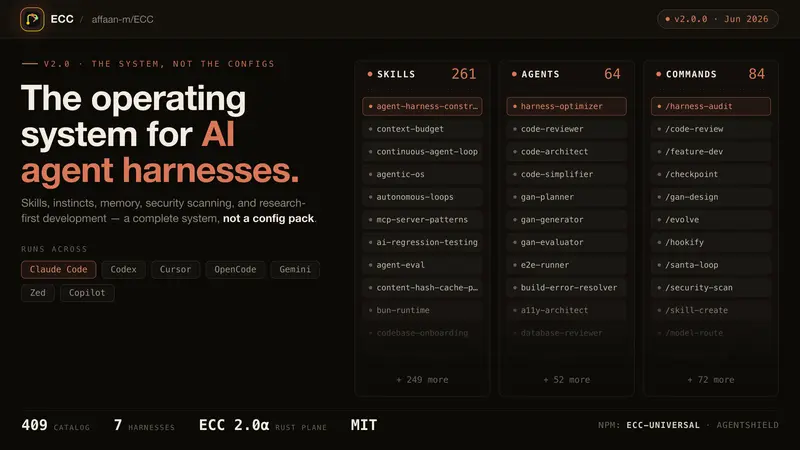 | eccSkills, memory and security for agents | ★ 265k | ▲ +413 | MITpermissive | windows · macos · linux · cli | |
 | DeepSeek HarnessPlugin agent harness for developers | ★ 232k | ▲ +487 | MITpermissive | web · cli | |
 | ponytailMake your agent write less code | ★ 144k | ▲ +349 | MITpermissive | — | |
 | Spec KitSpec-first process for coding agents | ★ 138k | ▲ +89 | MITpermissive | cli · windows · macos · linux | |
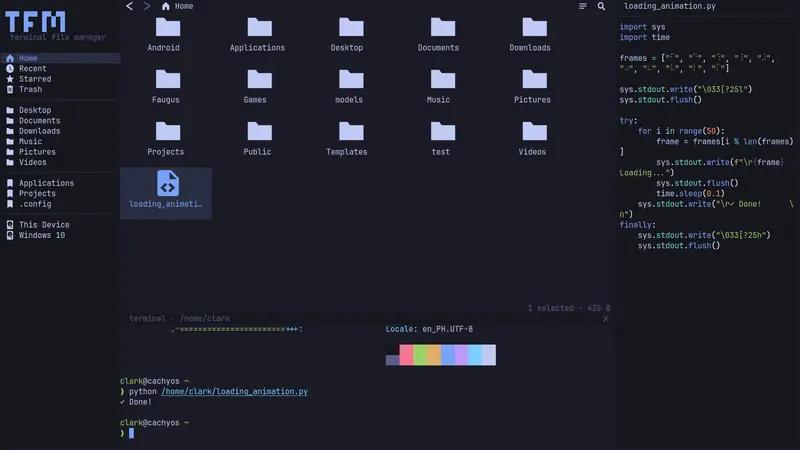 | tfmDrag and drop files inside your terminalTHIS ENTRY | ★ 136 | ▲ +9 | MITpermissive | linux · cli |
ALSO WORTH SEEING

TIMELINE
- Repository created
- FIRST SEEN BY TESIGN
- Published on TESIGN
SAME DAY
- 01
ZCode
Run multiple coding agents from one appA coding workspace that runs several AI agents at once and drives a goal to completion.
Use in the browser★ 5.1k▲ +64 / 7d - 02
Try Omarchy for Windows
Try the Omarchy Linux desktop on WindowsAn app that boots the real Omarchy Linux desktop inside a window on Windows — no VM software to install.
Install to use★ 440▲ 5 HN - 03
hibi
A markdown notes app with a graph viewA desktop Markdown editor that also draws a graph of how your notes connect.
Install to use★ 14▲ 5 HN - 05
AgentMeasure
Audit your Codex and Claude Code logsReads your Codex and Claude Code session logs and surfaces repeated failures and retries, with the evidence attached.
Install to use★ 216▲ 2 HN - 06
package-doctor
Find the Python dependency to fix firstScans Python dependencies and tells you which are being exploited now — and which have no one left to fix them.
Install to use★ 8▲ 4 HN - 07
pokertools-arena
Watch AI models play poker at one tableSeats several OpenAI-compatible models at the same poker table and lets you watch every decision as a spectator.
Use in the browser★ 1▲ 2 HN - 08
Roastbook
Log espresso shots on your own serverA self-hosted coffee journal that reads a photographed bag’s label and fills in the details for you.
Self-host★ 2▲ 1 HN - 09
Comic Chat for AI
Turn a ChatGPT chat into a comic stripA revival of Microsoft’s old Comic Chat that automatically draws a ChatGPT conversation as a comic strip.
Install to use★ 1▲ 3 HN - 10
2049 — Mines of Merge
2048 fused with Minesweeper in a dungeonYou are the tile: slide by 2048 rules while dodging Minesweeper-style hidden mines down eight depths.
Use in the browser★ 0▲ 1 HN