- TESIGN / RADAR
- FerrumPix
FerrumPix
Photo library and RAW editing
WHO USES ITHobby photographers · Immich or Nextcloud self-hosters · Online shop owners
Install to use
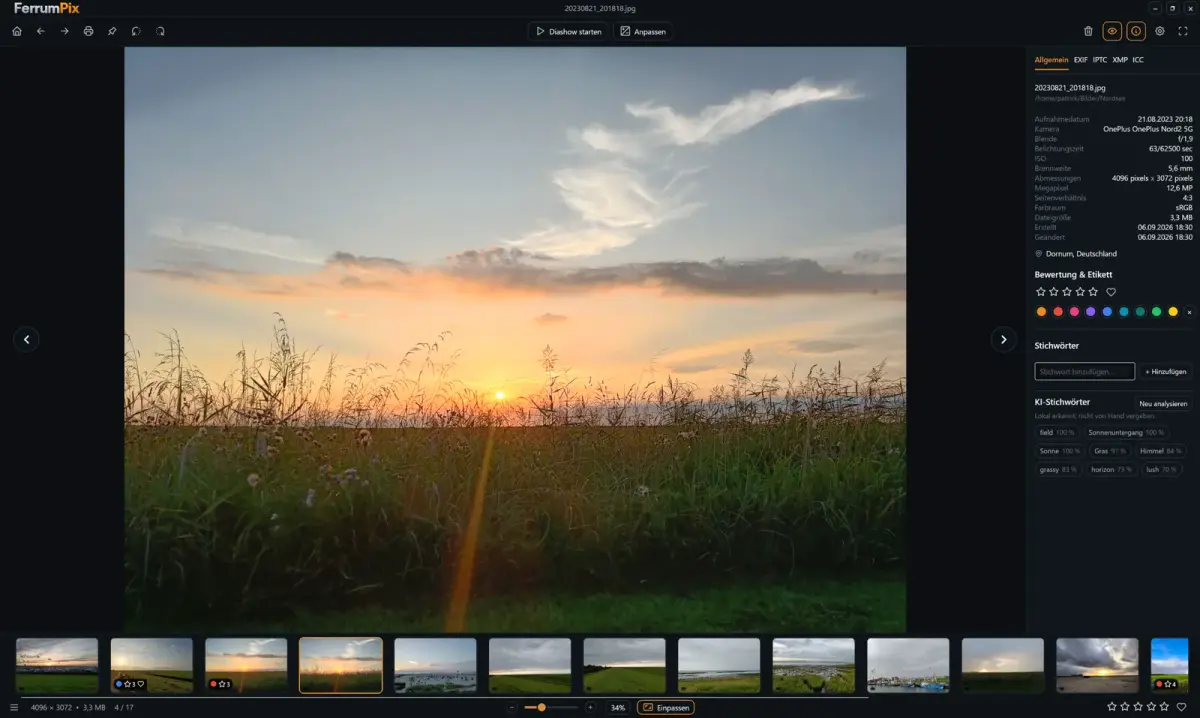
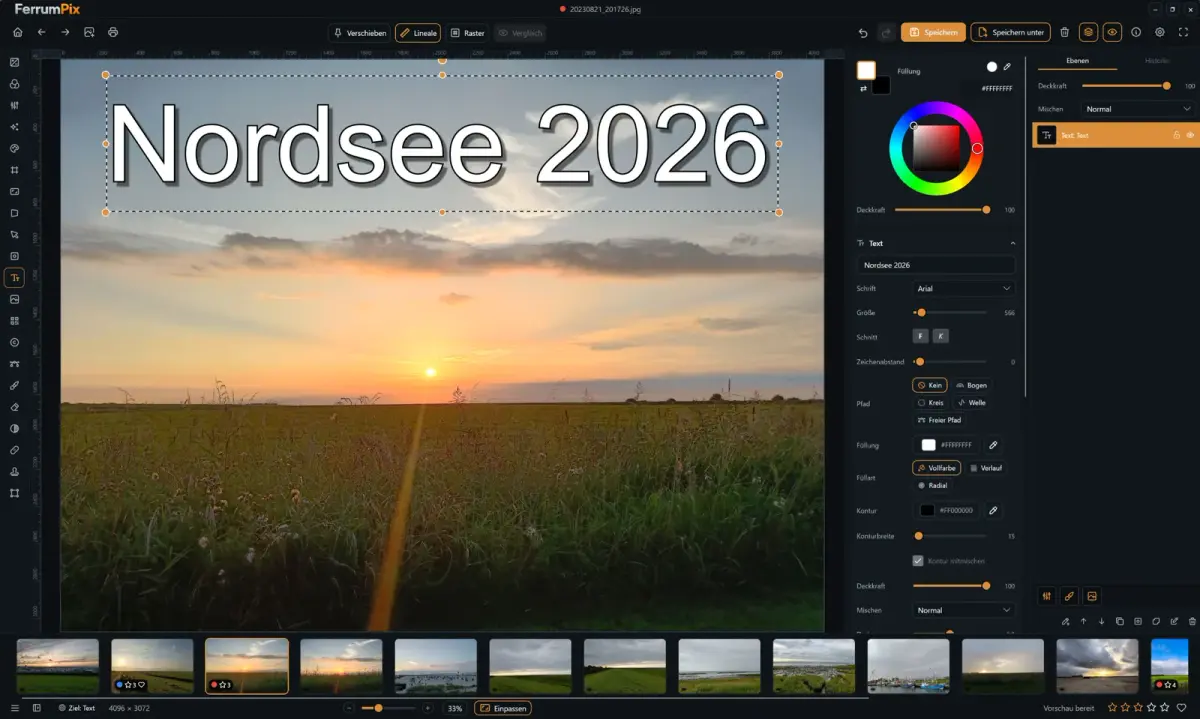
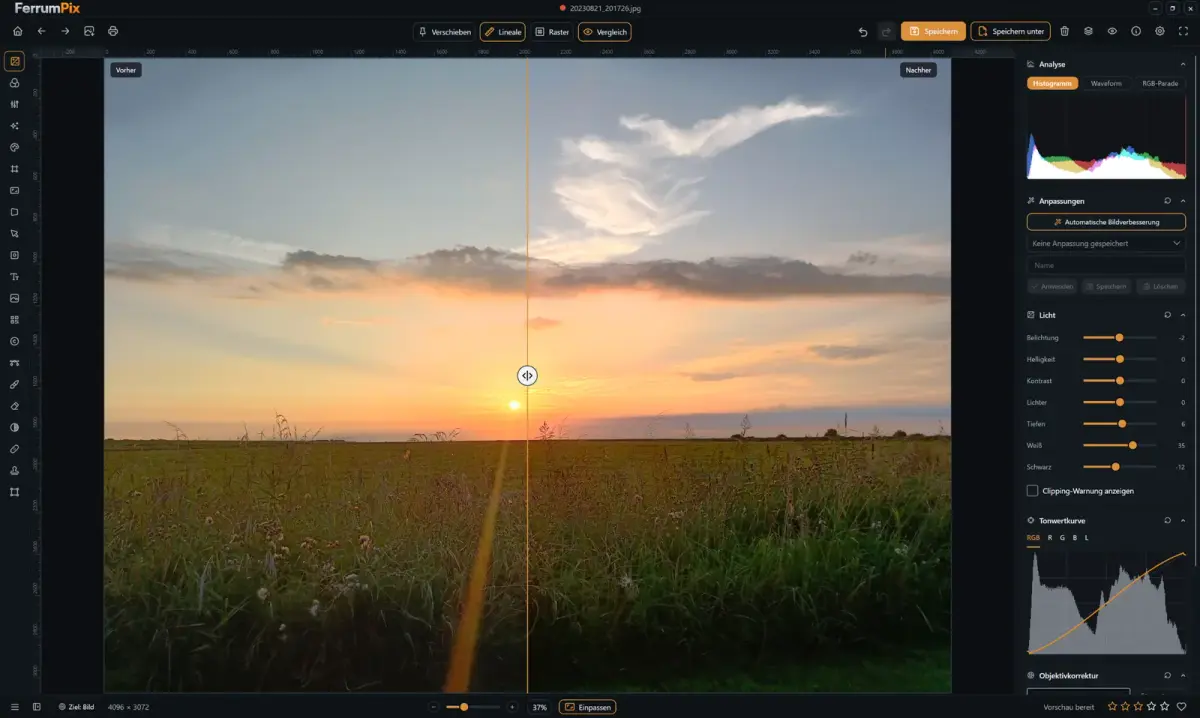
Photo manager, RAW developer and pixel editor in one app; connects to Immich and Nextcloud
START IN 5 MINUTES ↓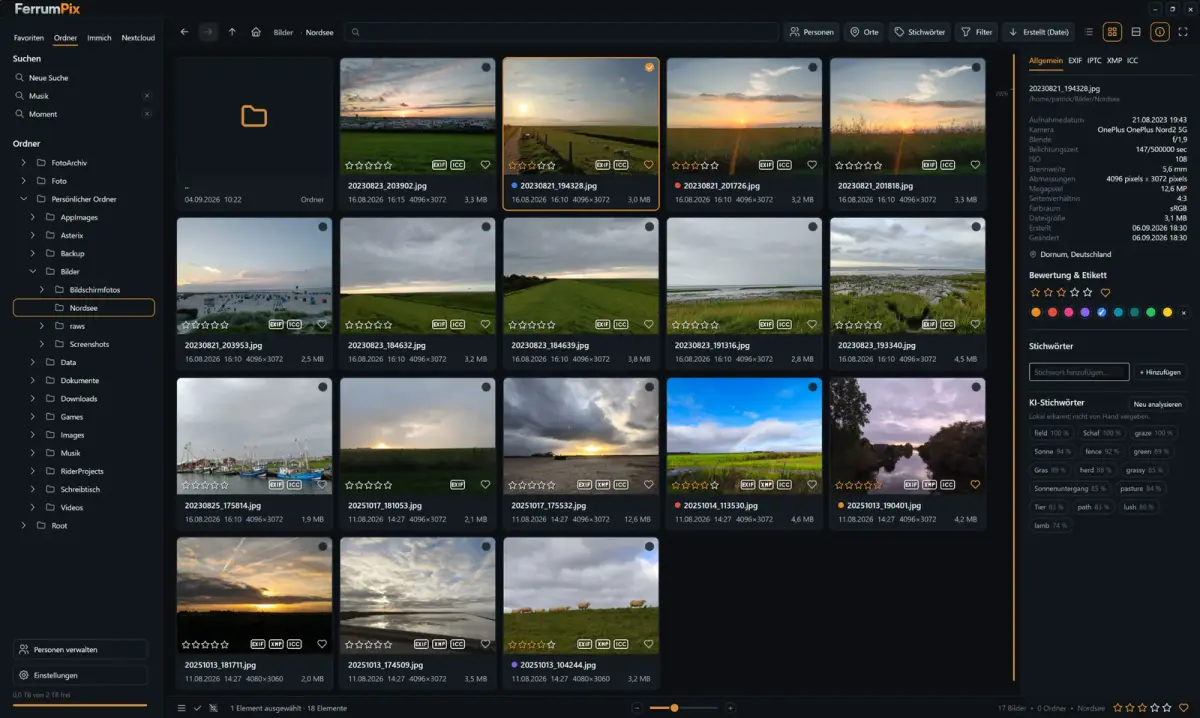
TESIGN TAKE
One developer's answer to juggling four photo programs: one app, with the server and the models both kept under your own control.
Activity and discovery evidence
744 stars · checked on GitHub · no 7-day star increase observed (GH Archive) (as of ) · 2 Show HN points observed
BACK CATALOG
AT A GLANCE
- LICENSE
- GPL-3.0
- USAGE
- Use freely. Release your source if you redistribute (copyleft).
- LANGUAGE
- Visual Basic .NET
- PLATFORM
- linux · windows · macos
- ACTIVITY
- last commit within 24 h () · latest release 0.9.74-4 () · 73 releases
- COMMUNITY
- 3 contributors · 17 open issues (incl. PRs) · made by: an individual
- SOURCES
- Show HN
- OPEN SOURCE
- YES
- FIRST SEEN
- CATEGORY
- MEDIA
A summary, not legal advice.
WHY IT MATTERS
It folds the library app, the RAW converter, the pixel editor and the server's web page into one application that runs entirely on your own machine. Lens distortion, colour fringing and vignetting are corrected from Lensfun measurements covering more than 1500 lenses on over 1000 camera bodies, and ratings and keywords written by Lightroom, darktable or digiKam sidecars are read in. It is written, unusually, in VB.NET on Avalonia UI and .NET 10 by a single developer.
BUILD FROM THIS
- Set up a batch flow that resizes, watermarks and converts product photos and exports them straight to Immich, or fork it under GPL-3.0 into your own photo tool (derivatives stay open under the same licence).
WHO IT'S FOR
- Hobby photographers
- browse folders, rate, develop RAW and edit in one app
- Immich or Nextcloud self-hosters
- open server photos on the desktop, edit, upload and sync metadata
- Online shop owners
- batch-resize, watermark and convert product photos
START IN 5 MINUTES
# # Linux: download FerrumPix-x86_64.AppImage / .flatpak / -amd64.deb / -x86_64.rpm from GitHub Releases (Arch: AUR ferrumpix-bin)
# # Windows: Microsoft Store or FerrumPix-win-x64-Setup.exe
# # Build from source (.NET SDK 10 or newer)
# dotnet build FerrumPix.sln
# dotnet run --project FerrumPix.vbproj
CAVEATS
- Licence GPL-3.0-only. Linux and Windows x64 are the supported builds; ARM64 and macOS builds are untested and experimental, and the macOS app is unsigned, so you must clear the quarantine flag from the terminal.
- libmpv (video) and libraw (RAW) are required, and eight features such as object selection and people search only appear after downloading model files from Settings; the face-comparison weights (InsightFace) are limited to non-commercial research.
- Korean is not among the 16 UI languages the README names (it says 21 are built in; the other five are [확인 필요]). Actively developed, with stability and performance work still in progress.
RECEIPT
- FIRST SEEN
- AT SOURCE
- KEPT
- CREATED → FIRST SEEN
- 24d
- SOURCES
- Show HN
- ◌ BACK CATALOG
- Reconstructed from archive data, not a live discovery.
The same facts in machine-readable form — View as Markdown · JSON
SIMILAR TOOLS
Up to five from MEDIA by ★ total: edited entries first, then repository cards; this entry is highlighted. Drawn from the same stored snapshot as the rankings — a comparison, not a recommendation.
| IMAGE | NAME | ★ TOTAL | ▲ 7d | LICENSE | PLATFORM | LAST PUSH |
|---|---|---|---|---|---|---|
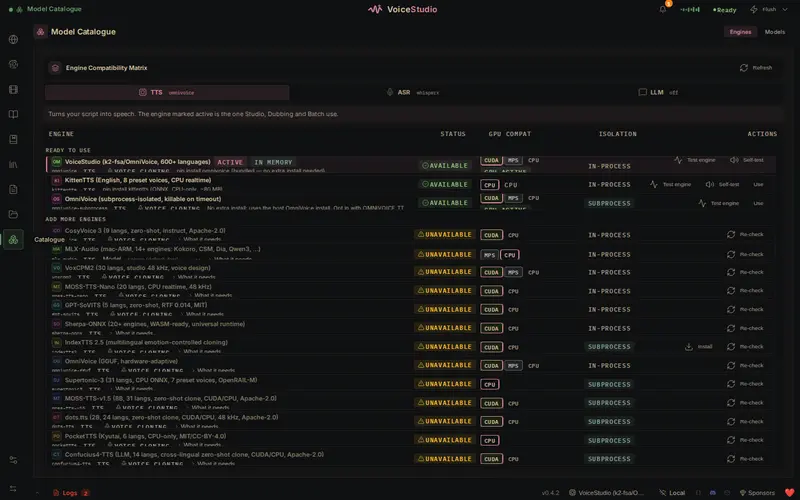 | VoiceStudioVoice cloning and dubbing on your PC | ★ 98k | ▲ +82 | AGPL-3.0copyleft | macos · windows · linux | |
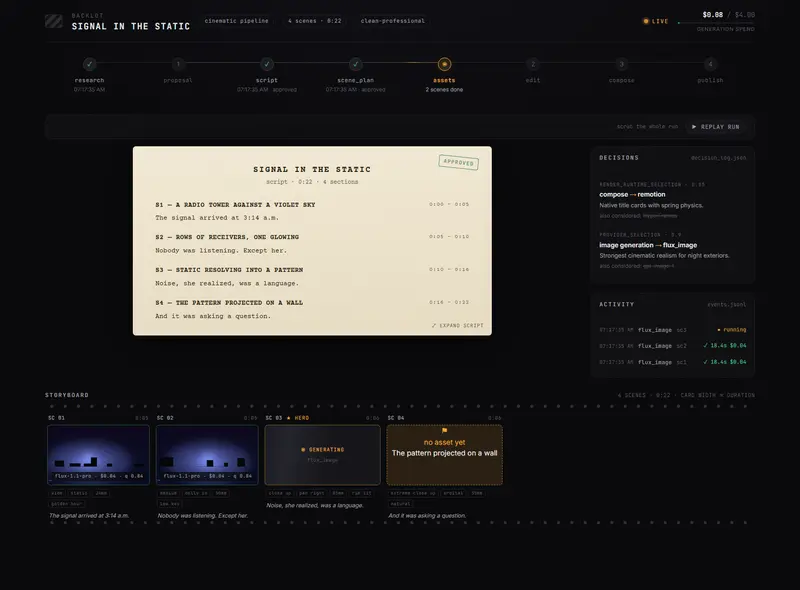 | OpenMontageVideo production via your coding agent | ★ 74.4k | ▲ +6 | AGPL-3.0copyleft | macos · linux · windows | |
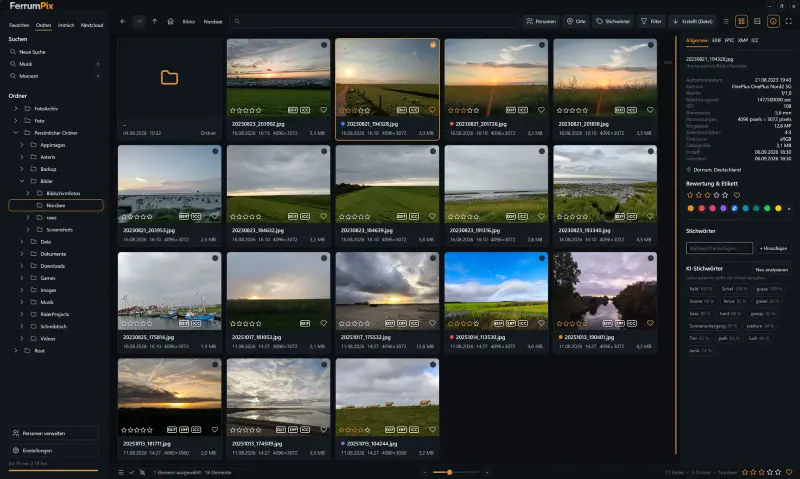 | FerrumPixPhoto library and RAW editingTHIS ENTRY | ★ 744 | — | GPL-3.0copyleft | linux · windows · macos | |
| ffmpeg/ffmpegCARD | ★ 64.2k | — | Licence unconfirmedunconfirmed | — | ||
| mifi/lossless-cutCARD | ★ 43.7k | ▲ +2 | GPL-2.0copyleft | — |
ALSO WORTH SEEING
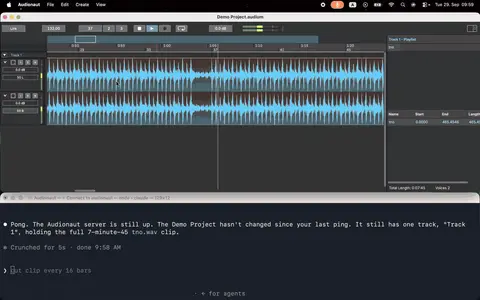
TIMELINE
- Repository created
- Show HN post ↗
- FIRST SEEN BY TESIGN ◌ BACK CATALOG