- TESIGN / RADAR
- Capptivo
Capptivo
Screen recording for product demos
WHO USES ITSolo developers making product demos and tutorials · Teams needing a UI in Korean or one of 10 other languages · Rust/Tauri developers building a recorder
Install to use
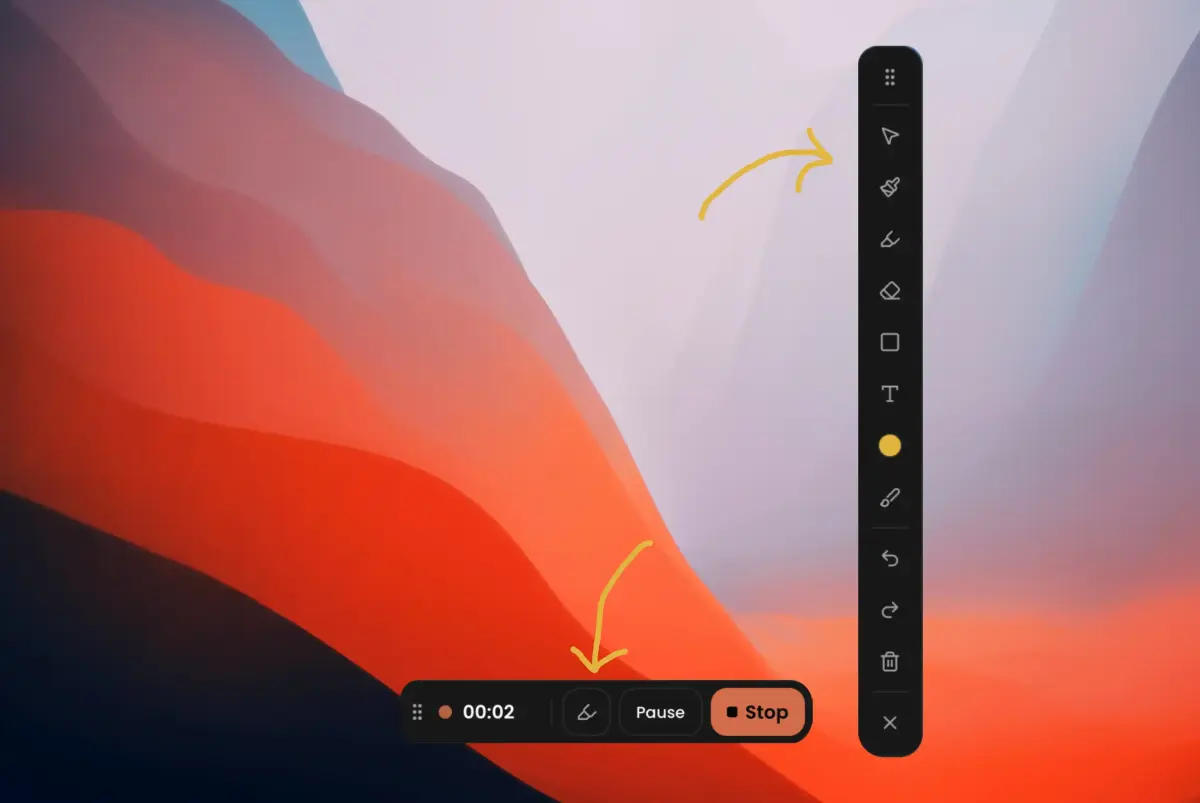
Free screen recorder with follow-cursor zoom and on-device captions for product demos
START IN 5 MINUTES ↓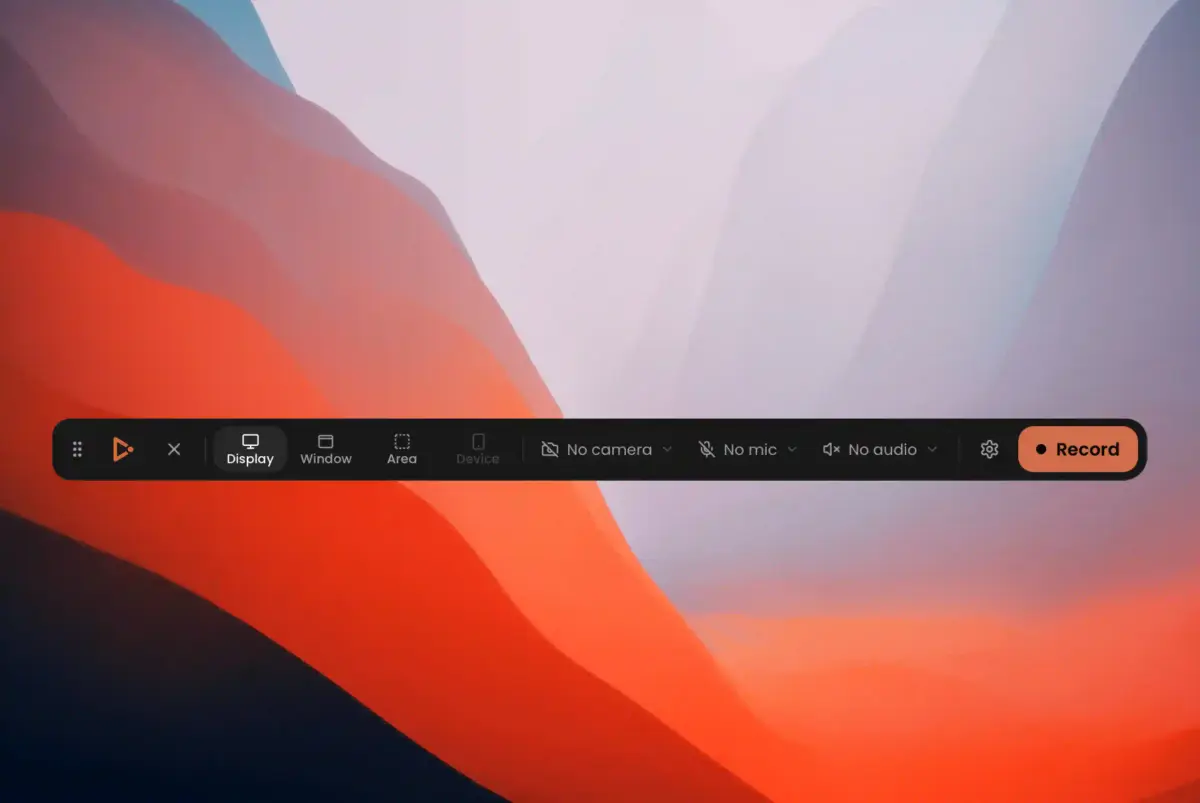
TESIGN TAKE
You trade the subscription for some legwork: unsigned macOS builds and a whisper-cli you install yourself, in exchange for the same kind of demo video made locally.
Activity and discovery evidence
1,112 stars · checked on GitHub · no 7-day star increase observed (GH Archive) (as of )
BACK CATALOG
AT A GLANCE
- LICENSE
- MIT
- USAGE
- Use, change and redistribute, commercially too. Keep the notice.
- LANGUAGE
- TypeScript
- PLATFORM
- macos · windows · linux
- ACTIVITY
- last commit 20 days ago () · latest release v1.0.4 () · 5 releases
- COMMUNITY
- 7 contributors · 39 open issues (incl. PRs) · made by: an organization
- SOURCES
- GitHub
- OPEN SOURCE
- YES
- FIRST SEEN
- CATEGORY
- MEDIA
A summary, not legal advice.
WHY IT MATTERS
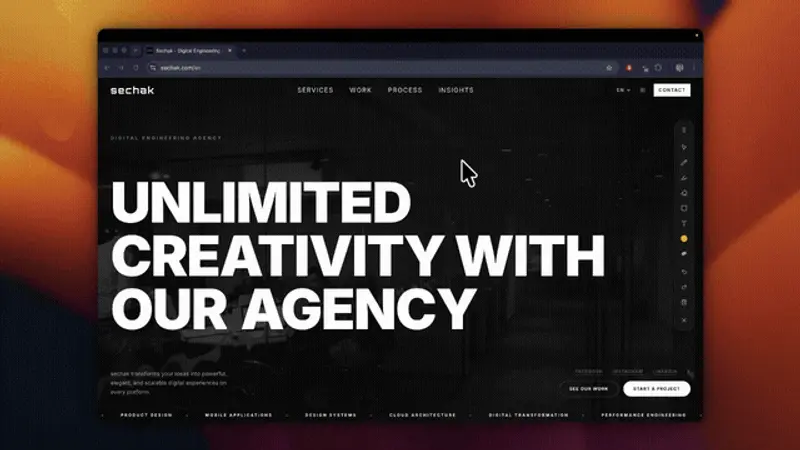
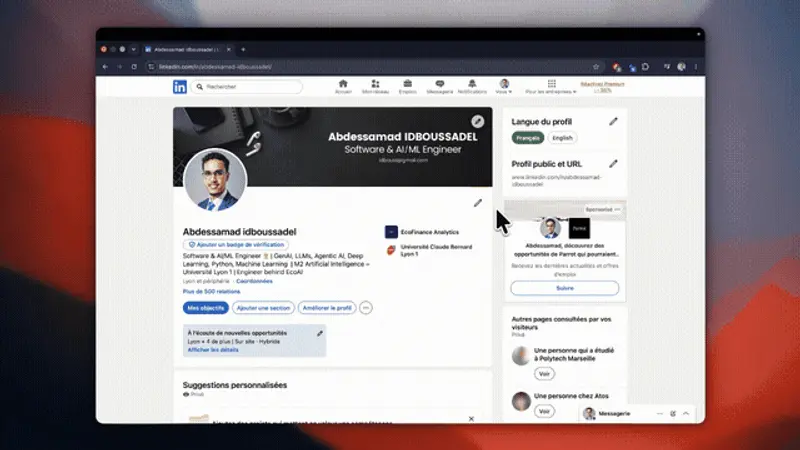
Pitched as a Screen Studio and Cursorful alternative, it makes follow-cursor zoom demo videos without the "$29/month" the README says such software costs. While recording it stores a 60 Hz cursor and click track (cursor.json), and when you open a fresh recording it suggests zoom fragments from your clicks. Captions are generated on-device with whisper.cpp, and the UI ships in 11 languages including Korean (v1.0.3, released 2026-08-05).
BUILD FROM THIS
- Under MIT you can ship a customised in-house demo recorder with your own presets and backgrounds, or lift the Rust capture and encoding modules (recorder/, cursor/), which do not depend on Tauri, into your own recording app.
WHO IT'S FOR
- Solo developers making product demos and tutorials
- click-based auto zoom cuts editing time
- Teams needing a UI in Korean or one of 10 other languages
- captions stay on-device
- Rust/Tauri developers building a recorder
- capture → encoding pipeline to study
START IN 5 MINUTES
# 1. Download an installer from GitHub Releases (macOS .dmg / Windows .msi or *-setup.exe / Linux .deb, .AppImage, .rpm)
# # To run from source (needs Rust, Node, pnpm):
# pnpm install
# pnpm tauri dev
# # Open the recorder with ⌥⇧R (Alt+Shift+R on Windows/Linux) or the tray icon
CAVEATS
- MIT — but the FFmpeg sidecars it downloads are GPL, so redistributing builds carries their own terms (see THIRD_PARTY_NOTICES.md)
- macOS 13+, Windows 10 build 1903+, Linux with PipeWire 1.0+; macOS builds are currently unsigned (right-click → Open on first launch, then grant Screen Recording)
- Captions need a system whisper.cpp whisper-cli binary; area selection is not yet available on Linux
RECEIPT
- FIRST SEEN
- AT SOURCE
- KEPT
- CREATED → FIRST SEEN
- 46d
- SOURCES
- GitHub
- ◌ BACK CATALOG
- Reconstructed from archive data, not a live discovery.
The same facts in machine-readable form — View as Markdown · JSON
SIMILAR TOOLS
Up to five from MEDIA by ★ total: edited entries first, then repository cards; this entry is highlighted. Drawn from the same stored snapshot as the rankings — a comparison, not a recommendation.
| IMAGE | NAME | ★ TOTAL | ▲ 7d | LICENSE | PLATFORM | LAST PUSH |
|---|---|---|---|---|---|---|
 | VoiceStudioVoice cloning and dubbing on your PC | ★ 98k | ▲ +82 | AGPL-3.0copyleft | macos · windows · linux | |
 | OpenMontageVideo production via your coding agent | ★ 74.4k | ▲ +6 | AGPL-3.0copyleft | macos · linux · windows | |
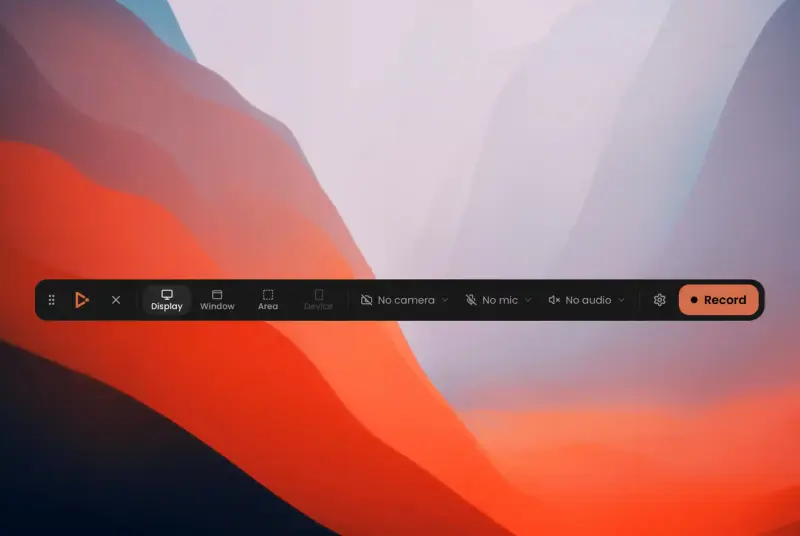 | CapptivoScreen recording for product demosTHIS ENTRY | ★ 1.1k | — | MITpermissive | macos · windows · linux | |
| ffmpeg/ffmpegCARD | ★ 64.2k | — | Licence unconfirmedunconfirmed | — | ||
| mifi/lossless-cutCARD | ★ 43.7k | ▲ +2 | GPL-2.0copyleft | — |
ALSO WORTH SEEING
TIMELINE
- Repository created
- FIRST SEEN BY TESIGN ◌ BACK CATALOG