Yap
On-device dictation for Mac users
WHO USES ITDevelopers prompting coding agents · People writing email and Slack all day · Users who do not want audio leaving the machine
Install to use
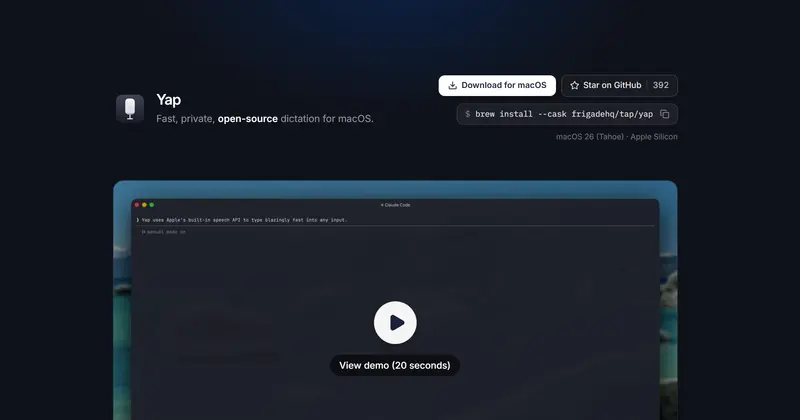
Press a shortcut, talk, text lands in any macOS field; on-device, no account or API key.
START IN 5 MINUTES ↓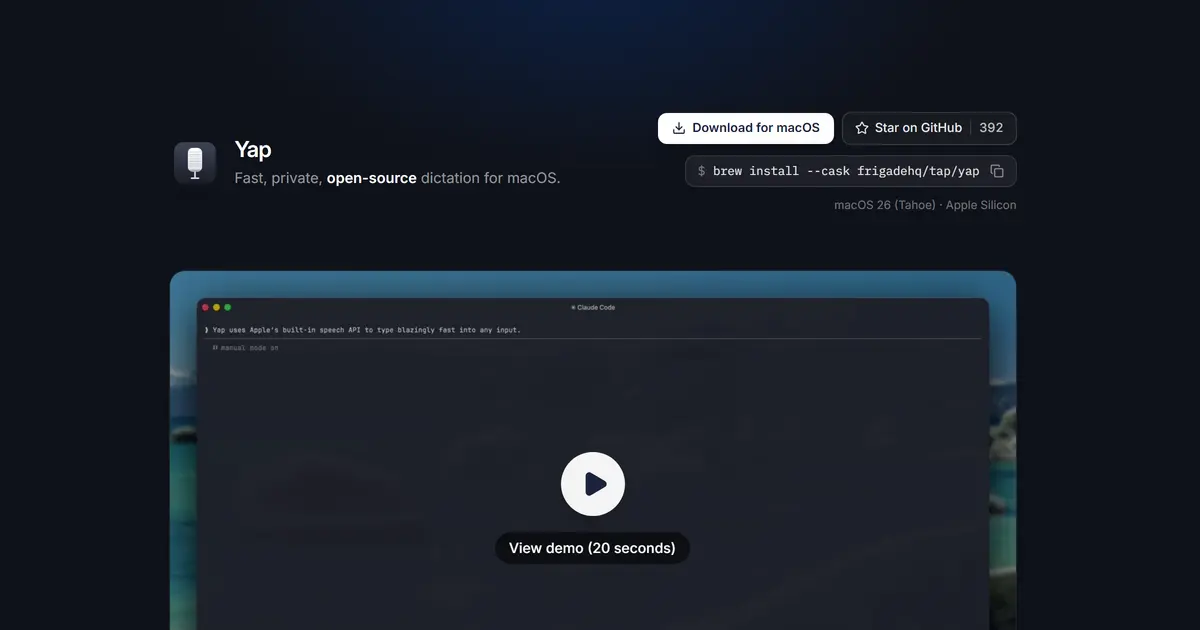
TESIGN TAKE
A case for using the speech recognition already in the OS instead of shipping a model: lighter, and private by construction.
Activity and discovery evidence
465 stars · checked on GitHub · no 7-day star increase observed (GH Archive) (as of ) · 104 Show HN points observed
BACK CATALOG
AT A GLANCE
- LICENSE
- MIT
- USAGE
- Use, change and redistribute, commercially too. Keep the notice.
- LANGUAGE
- Swift
- PLATFORM
- macos
- ACTIVITY
- last commit 16 days ago () · latest release v0.1.14 () · 15 releases
- COMMUNITY
- 6 contributors · 11 open issues (incl. PRs) · made by: an organization
- SOURCES
- Show HN
- OPEN SOURCE
- YES
- FIRST SEEN
- CATEGORY
- PRODUCTIVITY · AI
A summary, not legal advice.
WHY IT MATTERS
macOS 26 added the SpeechAnalyzer and SpeechTranscriber APIs, which do on-device streaming speech to text with models the OS ships and manages. Yap uses only that path, so it downloads no model, weighs 4 MB, idles at about 60 MB of memory and contains no network code at all. In the benchmark the README cites (5,559 LibriSpeech clips), Apple's model scored a 2.12% word error rate on clean audio against 3.74% for Whisper Small, about three times faster.
BUILD FROM THIS
- At roughly three thousand lines of Swift it is easy to read and modify: keep the `RecordingCoordinator` state machine and add a language picker or an app-specific paste path to make your own dictation tool.
WHO IT'S FOR
- Developers prompting coding agents
- dictate into terminals and editors, preview before inserting
- People writing email and Slack all day
- sentences faster than typing
- Users who do not want audio leaving the machine
- dictation with zero network calls
START IN 5 MINUTES
# brew install --cask frigadehq/tap/yap
# brew upgrade --cask yap   # to update later
# # or download the .dmg from https://frigade.com/yap and drag it into Applications
# Build from source (Xcode 26): git clone https://github.com/FrigadeHQ/yap.git && cd yap && ./install.sh
CAVEATS
- MIT licence. macOS 26 Tahoe or later on Apple Silicon only; Intel Macs are not supported (the older 0.1.4 Intel build sends audio to Apple's servers). Needs four permissions — Microphone, Speech Recognition, Accessibility, Automation — and Accessibility must be switched on by hand. Language follows the system locale; there is no language picker yet. Free.
RECEIPT
- FIRST SEEN
- AT SOURCE
- KEPT
- CREATED → FIRST SEEN
- 47d
- SOURCES
- Show HN
- ◌ BACK CATALOG
- Reconstructed from archive data, not a live discovery.
The same facts in machine-readable form — View as Markdown · JSON
SIMILAR TOOLS
Up to five from PRODUCTIVITY by ★ total: edited entries first, then repository cards; this entry is highlighted. Drawn from the same stored snapshot as the rankings — a comparison, not a recommendation.
| IMAGE | NAME | ★ TOTAL | ▲ 7d | LICENSE | PLATFORM | LAST PUSH |
|---|---|---|---|---|---|---|
 | Hermes AgentSelf-improving personal agent | ★ 260k | ▲ +10 | MITpermissive | linux · macos · windows · android · cli | |
 | YapOn-device dictation for Mac usersTHIS ENTRY | ★ 465 | — | MITpermissive | macos | |
| immich-app/immichCARD | ★ 114k | — | AGPL-3.0copyleft | — | ||
| stirling-tools/stirling-pdfCARD | ★ 91.9k | — | Licence unconfirmedunconfirmed | — | ||
| sherlock-project/sherlockCARD | ★ 91.4k | — | MITpermissive | — |
ALSO WORTH SEEING

TIMELINE
- Repository created
- Show HN post ↗
- FIRST SEEN BY TESIGN ◌ BACK CATALOG