- TESIGN / RADAR
- terminal-browser
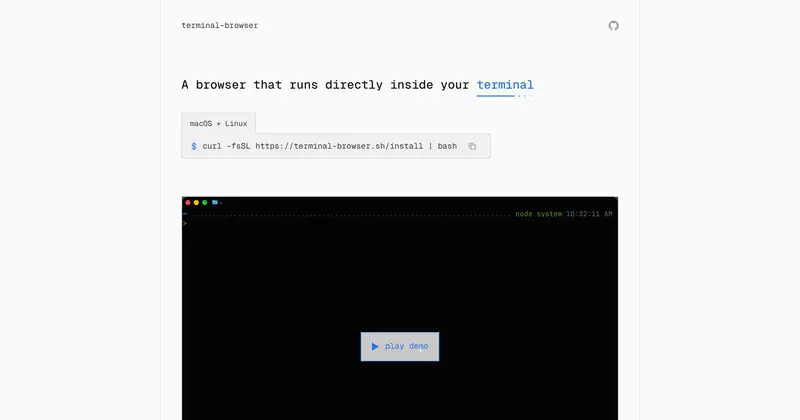
terminal-browser
A browser inside your terminal
WHO USES ITDevelopers running coding agents such as Claude Code or Codex in the terminal · People developing on remote servers · ghostty and kitty users
Install to use
A real Chromium browser running inside kitty-graphics terminals like ghostty and VS Code
START IN 5 MINUTES ↓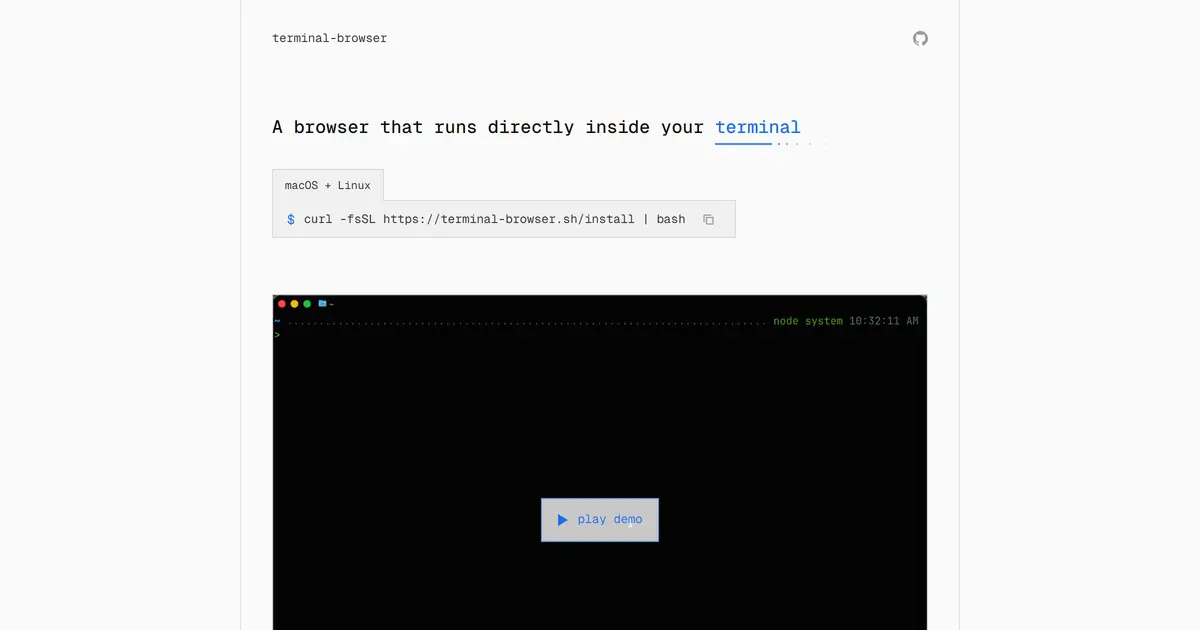
TESIGN TAKE
The goal is not staying in the terminal for its own sake but keeping the agent and the browser in one tab and one CLI — which is why a kitty-graphics terminal is the price of entry.
Activity and discovery evidence
4,382 stars · checked on GitHub · no 7-day star increase observed (GH Archive) (as of ) · 4 Show HN points observed
CROSS-SIGNAL Show HN + GitHub BACK CATALOG
AT A GLANCE
- LICENSE
- MIT
- USAGE
- Use, change and redistribute, commercially too. Keep the notice.
- LANGUAGE
- TypeScript
- PLATFORM
- macos · linux · cli
- ACTIVITY
- last commit within 24 h () · latest release pixel-v0.2.10 () · 62 releases
- COMMUNITY
- 7 contributors · 112 open issues (incl. PRs) · made by: an organization
- SOURCES
- Show HN + GitHub
- OPEN SOURCE
- YES
- FIRST SEEN
- CATEGORY
- DEV TOOLS · AI
A summary, not legal advice.
WHY IT MATTERS
This is not a text-mode imitation: it reads the pixels Chromium renders on the GPU through Electron's offscreen rendering and paints them into the terminal with the kitty graphics protocol. A coding agent and a website share one terminal tab, the agent can drive open browsers through an agent-browser compatible CLI (terminal-browser action), and ctrl+g selects a page element to send to the agent. The --ssh option runs the browser locally and proxies only its network requests through the remote host, so a remote localhost site shows without port forwarding. Installed with one curl line or Homebrew; v0.8.1 (2026-09-09), MIT.
BUILD FROM THIS
- Since terminal-browser action is agent-browser compatible, you can build a loop where the agent's HTML mock-ups open in a split pane and you pick elements to feed back. The examples/embedded reference shows how to embed a web view inside your own TUI.
WHO IT'S FOR
- Developers running coding agents such as Claude Code or Codex in the terminal
- the agent drives the browser itself
- People developing on remote servers
- preview localhost over --ssh without port forwarding
- ghostty and kitty users
- open docs and web apps in a split pane
START IN 5 MINUTES
# curl -fsSL https://terminal-browser.sh/install | bash   # macOS & Linux
# brew install terminal-browser                            # Homebrew
# terminal-browser open <url>
# terminal-browser --split right
# terminal-browser open --ssh <user@host> <url>
CAVEATS
- MIT (per the repository LICENSE file; the README itself does not state a licence)
- macOS and Linux per the install script; Windows is not mentioned in the README [확인 필요]. Requires a terminal with the kitty graphics protocol (ghostty, kitty, cmux, VS Code and others)
- v0.8.1 (2026-09-09); Chrome extensions and design mode are on the roadmap; it runs Electron (Chromium) underneath; memory footprint [확인 필요]
RECEIPT
- FIRST SEEN
- AT SOURCE
- KEPT
- CREATED → FIRST SEEN
- 12d
- SOURCES
- Show HN + GitHub
- ◌ BACK CATALOG
- Reconstructed from archive data, not a live discovery.
The same facts in machine-readable form — View as Markdown · JSON
SIMILAR TOOLS
Up to five from DEV TOOLS by ★ total: edited entries first, then repository cards; this entry is highlighted. Drawn from the same stored snapshot as the rankings — a comparison, not a recommendation.
| IMAGE | NAME | ★ TOTAL | ▲ 7d | LICENSE | PLATFORM | LAST PUSH |
|---|---|---|---|---|---|---|
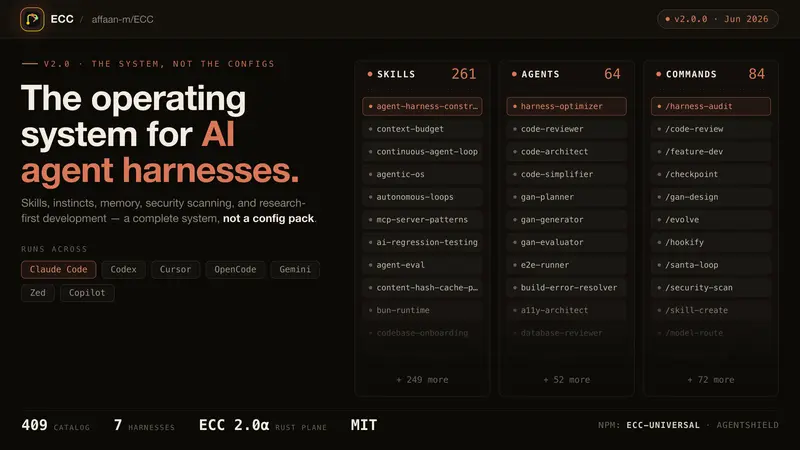 | eccSkills, memory and security for agents | ★ 295k | ▲ +28 | MITpermissive | windows · macos · linux · cli | |
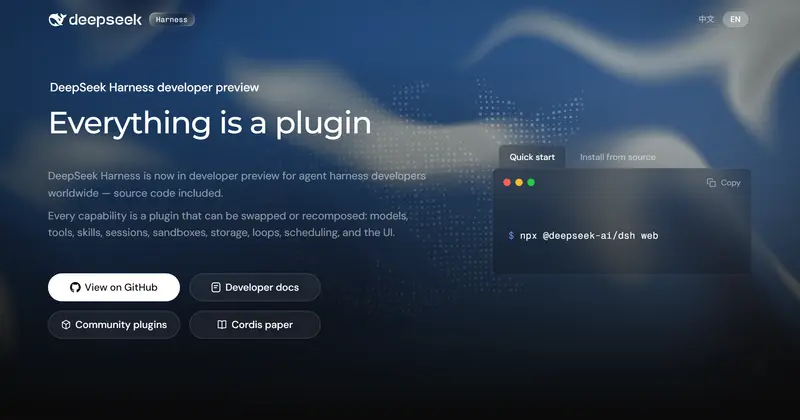 | DeepSeek HarnessPlugin agent harness for developers | ★ 268k | ▲ +61 | MITpermissive | web · cli | |
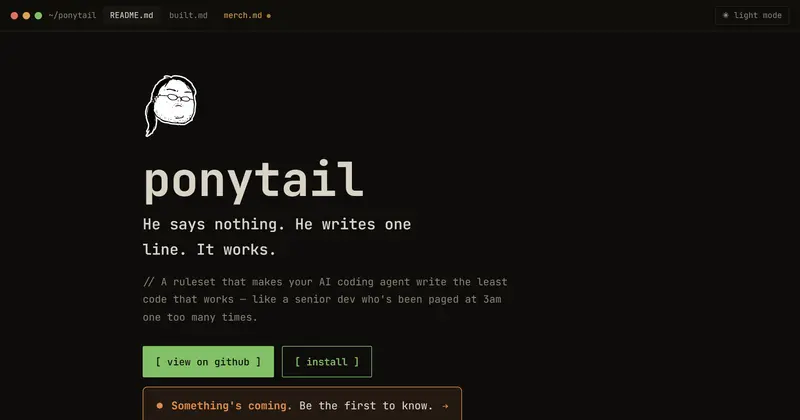 | ponytailMake your agent write less code | ★ 182k | ▲ +31 | MITpermissive | — | |
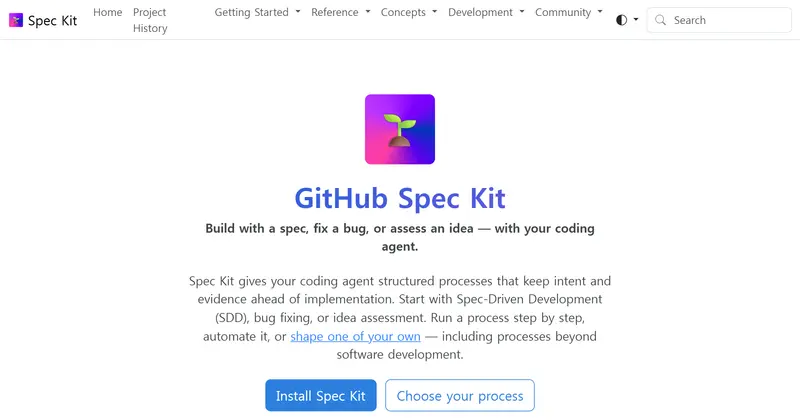 | Spec KitSpec-first process for coding agents | ★ 145k | ▲ +12 | MITpermissive | cli · windows · macos · linux | |
 | terminal-browserA browser inside your terminalTHIS ENTRY | ★ 4.4k | — | MITpermissive | macos · linux · cli |
ALSO WORTH SEEING
TIMELINE
- Repository created
- Show HN post ↗
- FIRST SEEN BY TESIGN ◌ BACK CATALOG