- TESIGN / RADAR
- 2026.09.30
- Scissor
Scissor
Free vector editor in your browser
WHO USES ITSmall business owners and designers who need a quick logo, icon or image.
Use in the browser
A free vector and pixel design editor that runs in your browser — no install, no account.
START IN 5 MINUTES ↓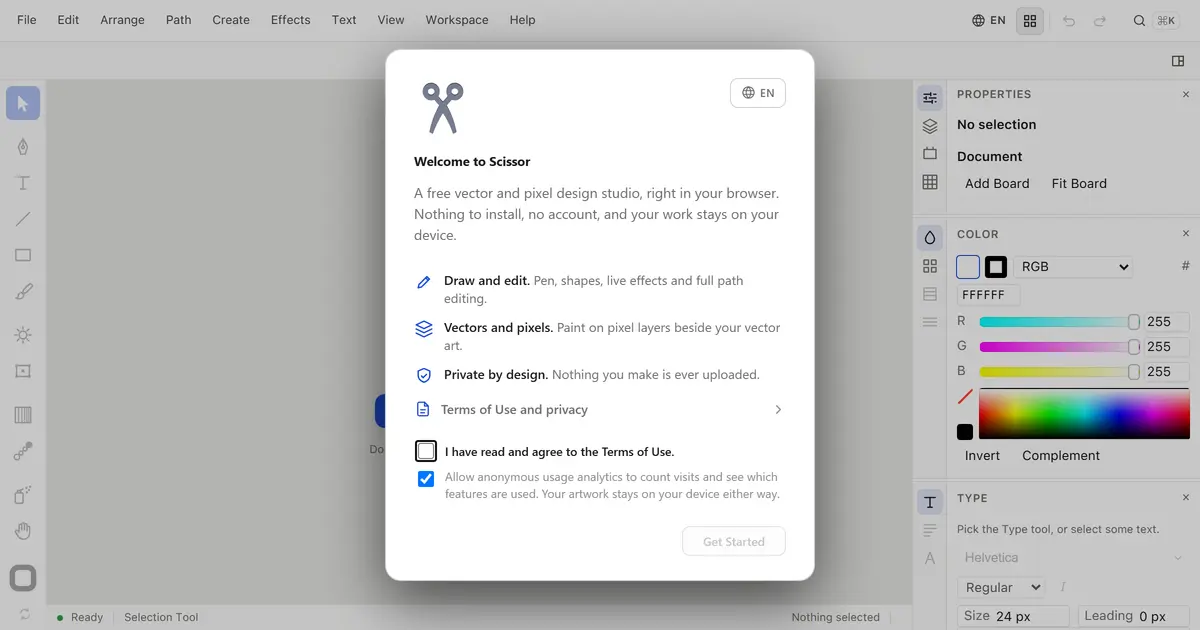
TESIGN TAKE
It starts in one tab with nothing to install, and your work stays on your device.
Activity and discovery evidence
113 Show HN points observed
NEW 0h OLD WHEN SEEN
AT A GLANCE
- USAGE
- Unconfirmed — check before use.
- PLATFORM
- web
- SOURCES
- Show HN
- FIRST SEEN
- CATEGORY
- DESIGN
A summary, not legal advice.
WHY IT MATTERS
Installing or signing up for a paid design tool just to draw one logo or icon is a lot. Scissor lets you draw vectors and pixels together in a single browser tab, and says nothing you make is uploaded.
BUILD FROM THIS
- Vector tools with pen, shapes, live effects and full path editing, plus pixel layers painted beside the vector art. Properties, colour and type panels sit on the right, and your work stays on your device. A terms-of-use dialog appears on first open.
WHO IT'S FOR
- Small business owners and designers who need a quick logo, icon or image.
START IN 5 MINUTES
# Open scissor.studio, agree to the terms and press 'Get Started'.CAVEATS
- Source availability and licence could not be confirmed. The anonymous usage-analytics checkbox in the start dialog is ticked by default (you can untick it).
RECEIPT
- FIRST SEEN
- AT SOURCE
- KEPT
- CREATED → FIRST SEEN
- 0h
- SOURCES
- Show HN
The same facts in machine-readable form — View as Markdown · JSON
SIMILAR TOOLS
Up to five from DESIGN by ★ total: edited entries first, then repository cards; this entry is highlighted. Drawn from the same stored snapshot as the rankings — a comparison, not a recommendation.
| IMAGE | NAME | ★ TOTAL | ▲ 7d | LICENSE | PLATFORM | LAST PUSH |
|---|---|---|---|---|---|---|
 | UI UX Pro MaxDesign sense for AI coding tools | ★ 132k | — | MITpermissive | cli | |
 | Taste-SkillFrontend taste for AI agents | ★ 91.3k | ▲ +2 | MITpermissive | — | |
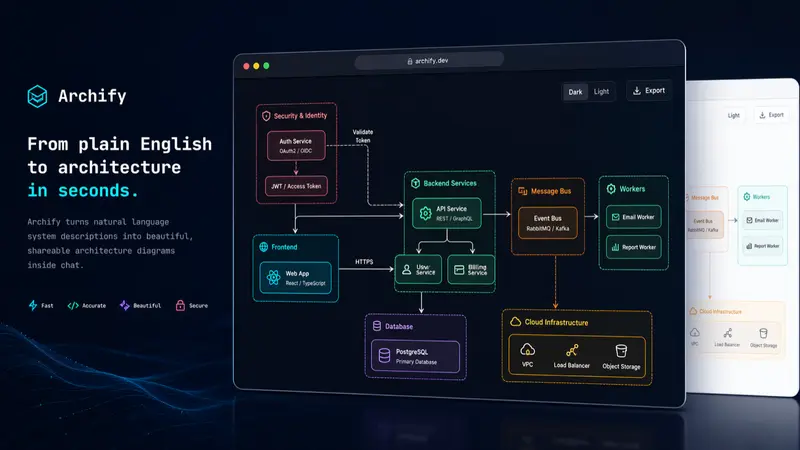 | archifySystem diagrams for coding-agent users | ★ 74.3k | ▲ +22 | MITpermissive | — | |
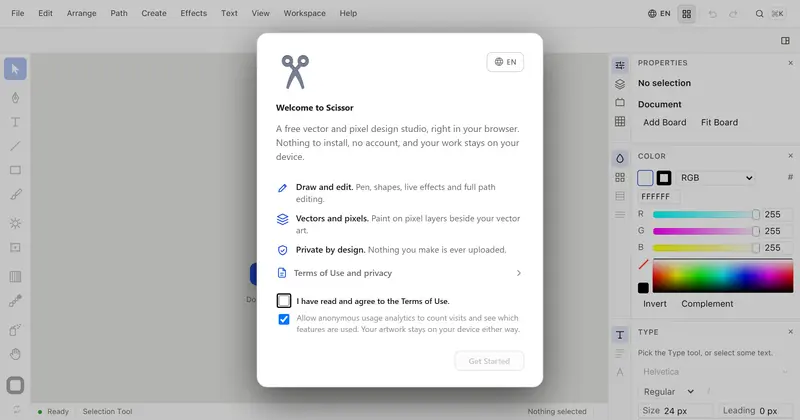 | ScissorFree vector editor in your browserTHIS ENTRY | — | — | Licence unconfirmedunconfirmed | web | — |
| toeverything/affineCARD | ★ 72.5k | — | Licence unconfirmedunconfirmed | — |
ALSO WORTH SEEING


TIMELINE
- Repository created
- Show HN post ↗
- FIRST SEEN BY TESIGN
- Published on TESIGN
SAME DAY
- 02
assay
Auto-check a web page for bugsDrives your web page in a real browser and tells you what broke.
Install to use★ 100▲ 1 HN - 03
AIHOT
Build your own industry news siteA site framework that gathers news and writes a daily digest by itself — swap in your sources and standards to make it your industry's hot-topics site.
Self-host★ 3.3k▲ +50 / 7d - 04
SuperCMO Skills
AI agent makes ad videos and imagesMarketing skills that let an AI agent turn a product photo and a brief into ad videos and images.
Install to use★ 62▲ 2 HN