- TESIGN / RADAR
- pi-desktop
pi-desktop
Desktop workspace for coding agents
WHO USES ITDeveloper · Team lead · Local-model user
Install to use
Runs a local-first coding agent as a desktop app with plugins.
START IN 5 MINUTES ↓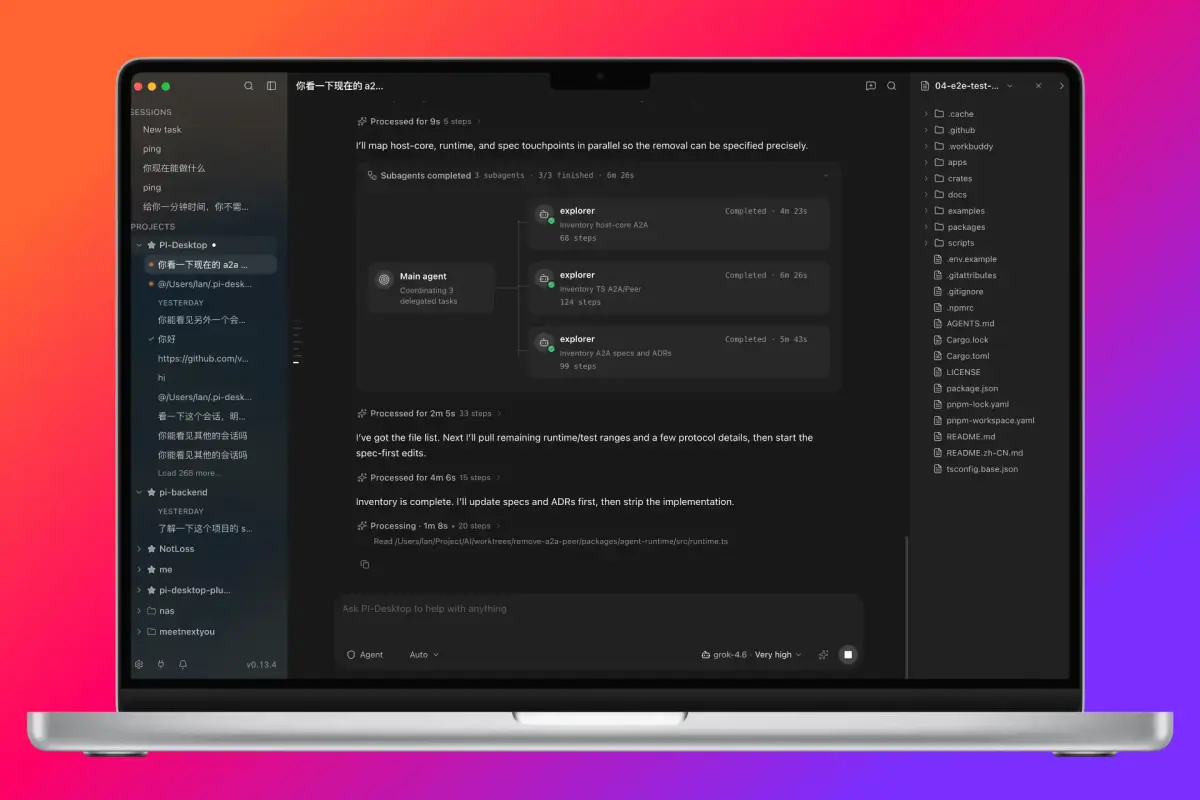
TESIGN TAKE
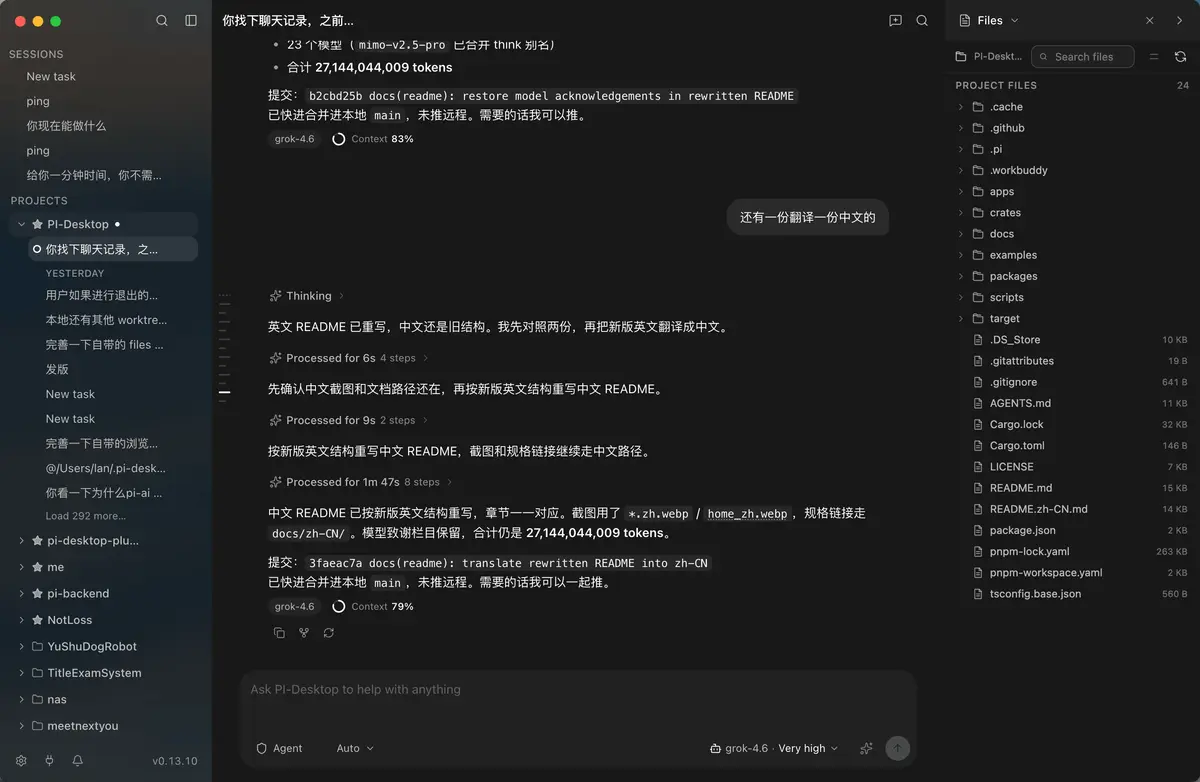
Moves the terminal agent into a desktop with projects, sessions and review together; still an early preview.
Activity and discovery evidence
7,581 stars · checked on GitHub · 7-day +2 observed via GH Archive (as of )
AT A GLANCE
- LICENSE
- LGPL-3.0
- USAGE
- Link to it freely. Release source for LGPL parts you change.
- LANGUAGE
- TypeScript
- PLATFORM
- macos · windows · linux
- ACTIVITY
- last commit within 24 h () · latest pre-release v0.22.0-beta.3 () · 106 releases
- COMMUNITY
- 127 contributors · 263 open issues (incl. PRs) · made by: an individual
- SOURCES
- GitHub
- OPEN SOURCE
- YES
- FIRST SEEN
- CATEGORY
- AI · DEV TOOLS
A summary, not legal advice.
WHY IT MATTERS
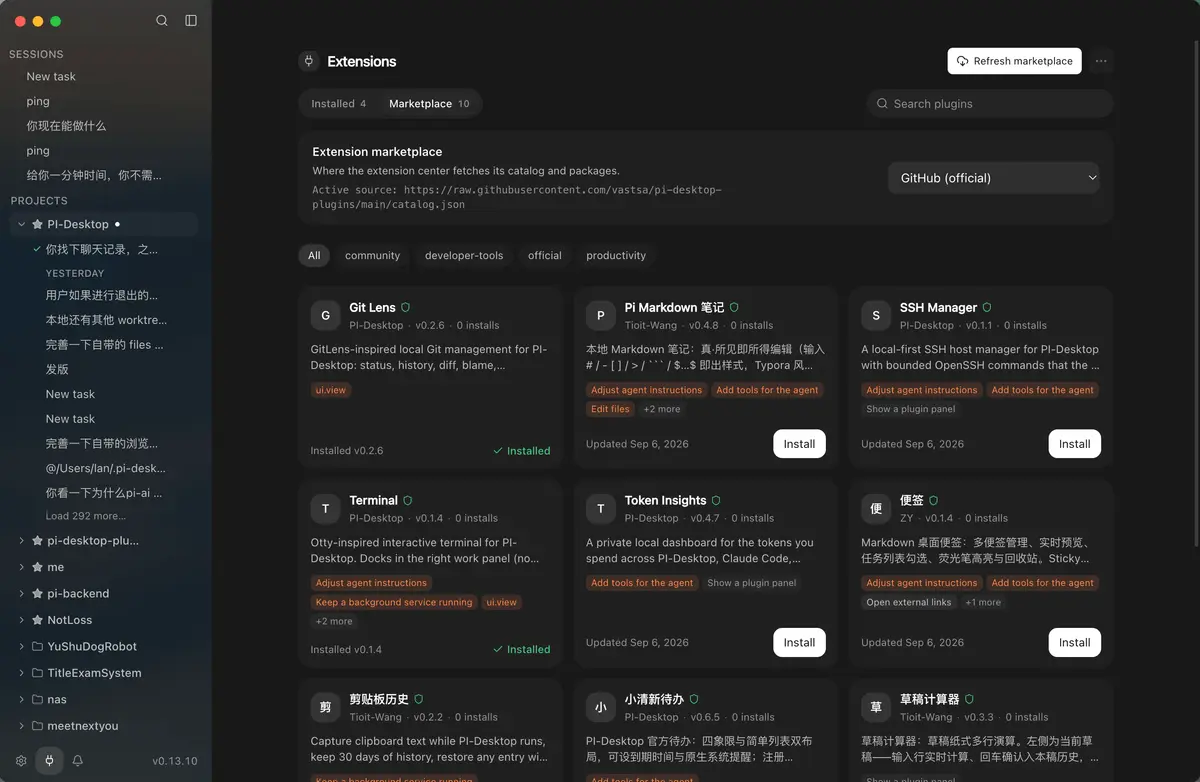
Run a coding agent only in the terminal and everyone ends up with their own settings and plugins. pi-desktop packages it as a desktop app: an Electron surface over a Rust host core and an agent harness, with plugins the user installs. It works local-first, supports MCP, and is published under LGPL-3.0.
BUILD FROM THIS
- An internal agent app everyone on the team runs with one setup
- A personal plugin set carrying only the features you use
WHO IT'S FOR
- Developer
- reviews diffs and command output on screen, not in a terminal
- Team lead
- gives everyone the same agent app and setup
- Local-model user
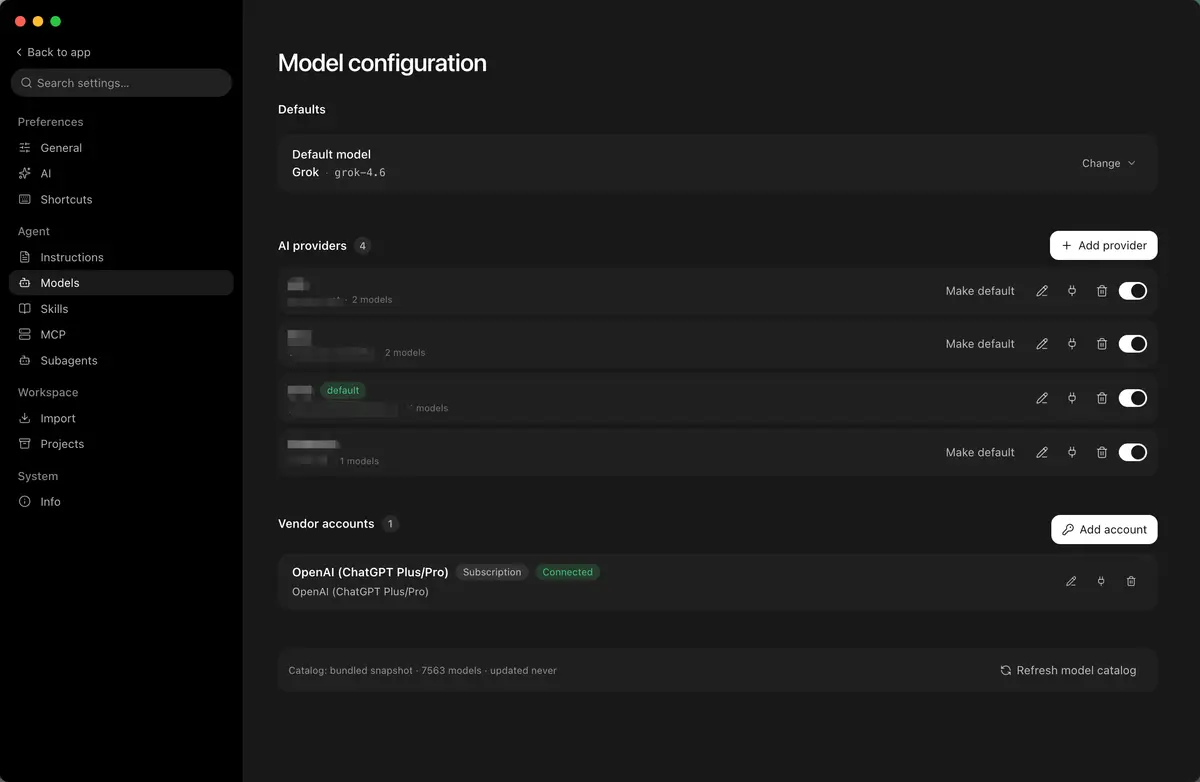
- connects Ollama or LM Studio to an agent
START IN 5 MINUTES
# Download the macOS, Windows or Linux build from GitHub Releases
# Open Settings → Model configuration and add a provider and credentials
# Add a local project folder from the sidebar, then pick Agent, Plan or Goal
CAVEATS
- Early preview: APIs, extension interfaces and behaviour may still change
- macOS builds are unsigned by default; first launch may need a quarantine step
- Linux needs glibc 2.35 or newer (Ubuntu 22.04 and later)
RECEIPT
- FIRST SEEN
- AT SOURCE
- KEPT
- CREATED → FIRST SEEN
- 1270d
- WHEN FIRST SEEN
- 3,179 ★
- SOURCES
- GitHub
The same facts in machine-readable form — View as Markdown · JSON
SIMILAR TOOLS
Up to five from AI by ★ total: edited entries first, then repository cards; this entry is highlighted. Drawn from the same stored snapshot as the rankings — a comparison, not a recommendation.
| IMAGE | NAME | ★ TOTAL | ▲ 7d | LICENSE | PLATFORM | LAST PUSH |
|---|---|---|---|---|---|---|
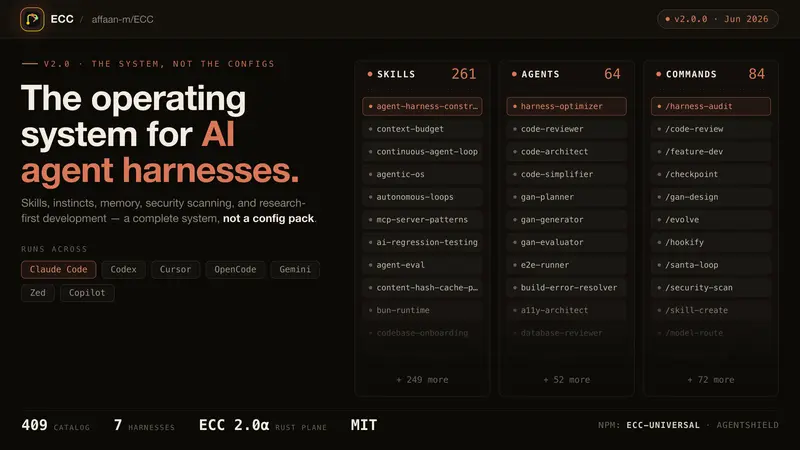 | eccSkills, memory and security for agents | ★ 295k | ▲ +28 | MITpermissive | windows · macos · linux · cli | |
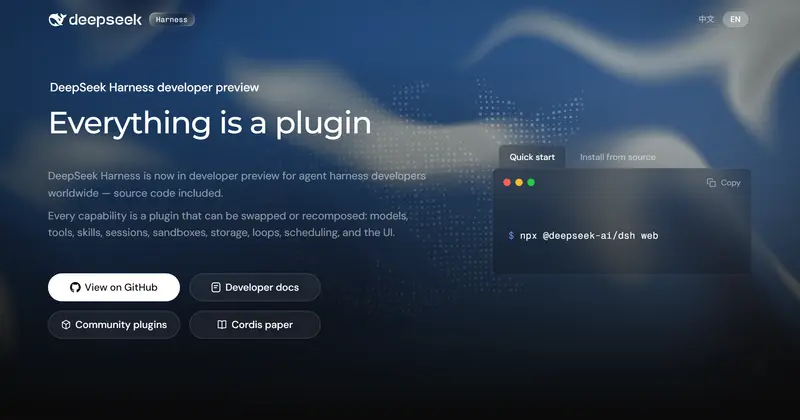 | DeepSeek HarnessPlugin agent harness for developers | ★ 268k | ▲ +61 | MITpermissive | web · cli | |
 | Hermes AgentSelf-improving personal agent | ★ 260k | ▲ +10 | MITpermissive | linux · macos · windows · android · cli | |
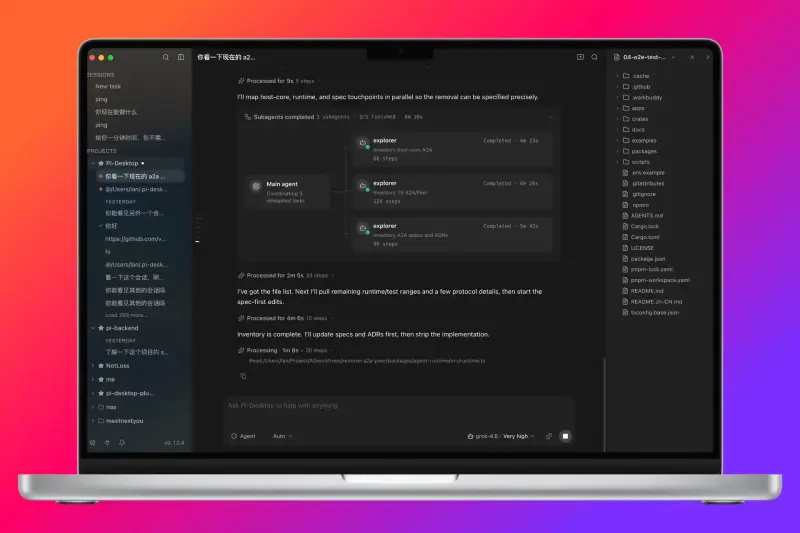 | pi-desktopDesktop workspace for coding agentsTHIS ENTRY | ★ 7.6k | ▲ +2 | LGPL-3.0copyleft | macos · windows · linux | |
| anomalyco/opencodeCARD | ★ 207k | ▲ +8 | MITpermissive | — |
ALSO WORTH SEEING
TIMELINE
- Repository created
- FIRST SEEN BY TESIGN