What designers can use today
A CAD and a design editor in the browser, enclosure design for prototypes, paper-texture mockups and a shelf for moving files between windows — what a designer can try today. Some open in the browser, the rest install once, and all of them sit next to design work.
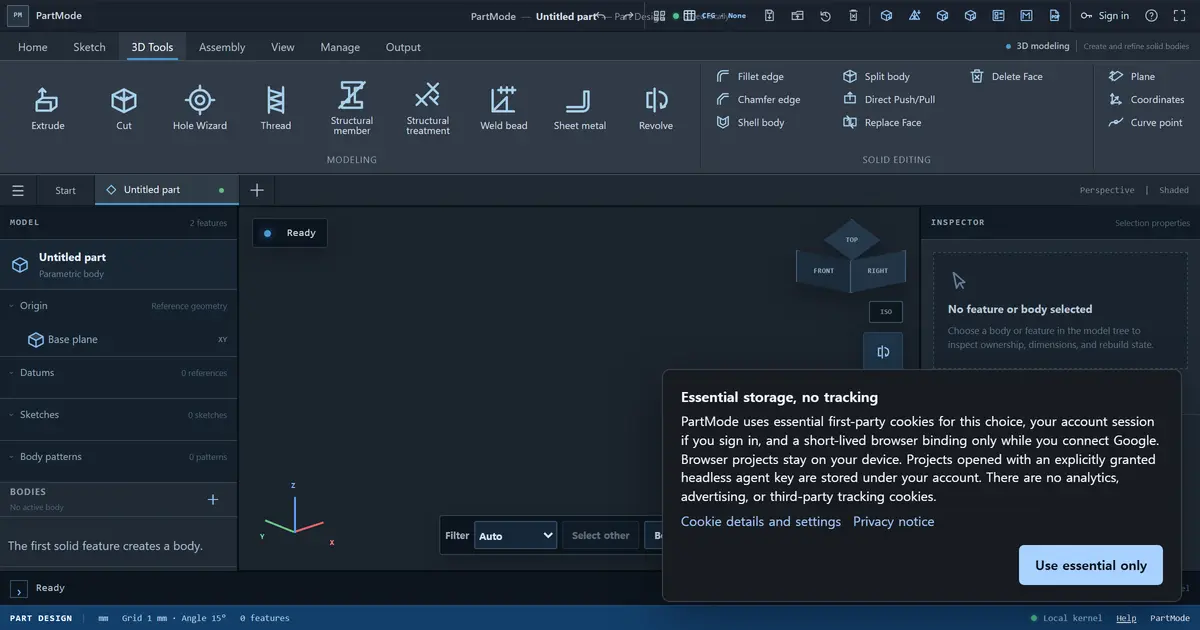
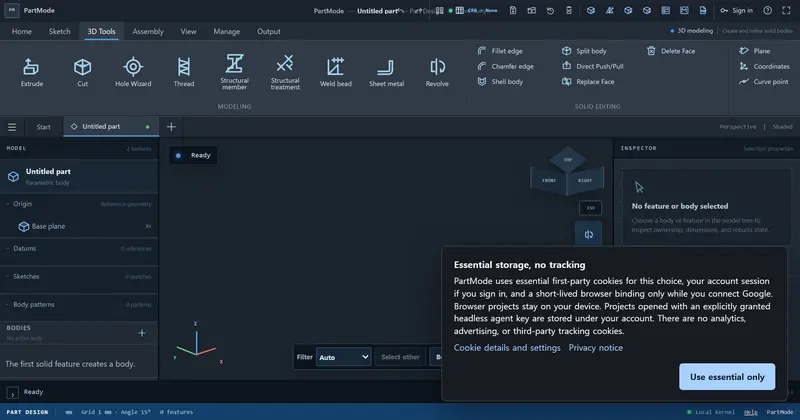
PartMode
Mechanical CAD in the browserParametric mechanical CAD in the browser: constrained sketches, assemblies, drawings, STEP
Use in the browser★ 504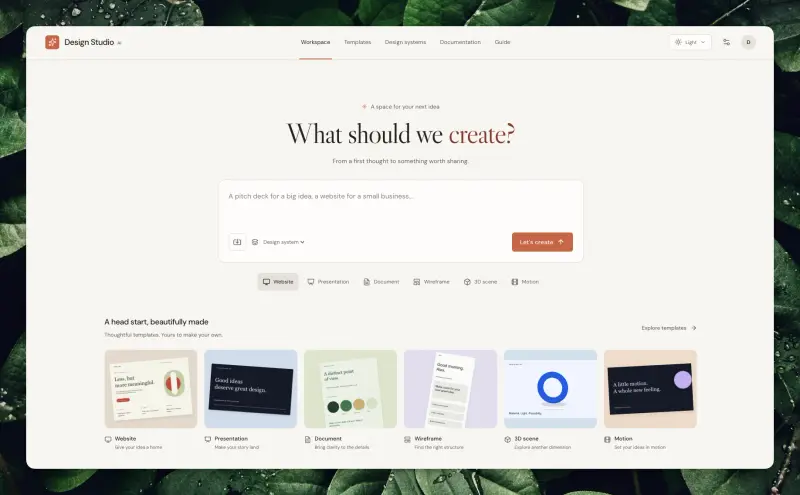
Design Studio AI
Design workspace for people and agentsLets people and agents edit the same web, slide, 3D and video designs.
Use in the browser★ 227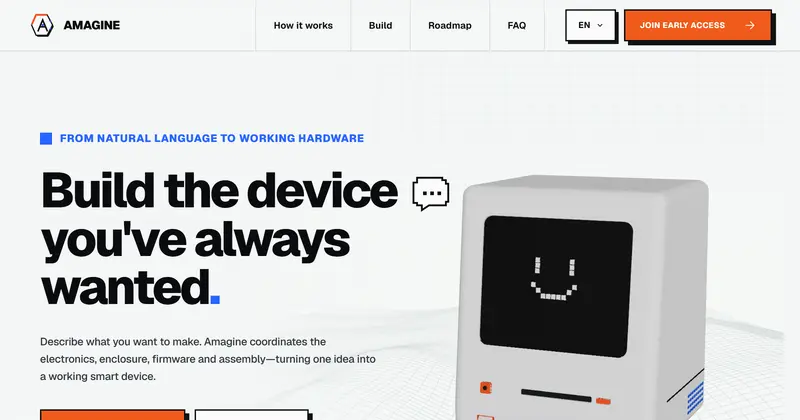
Amagine3D
Enclosure design for hardware makersDesigns printable hardware enclosures from a description and dimensions.
Install to use★ 6.3k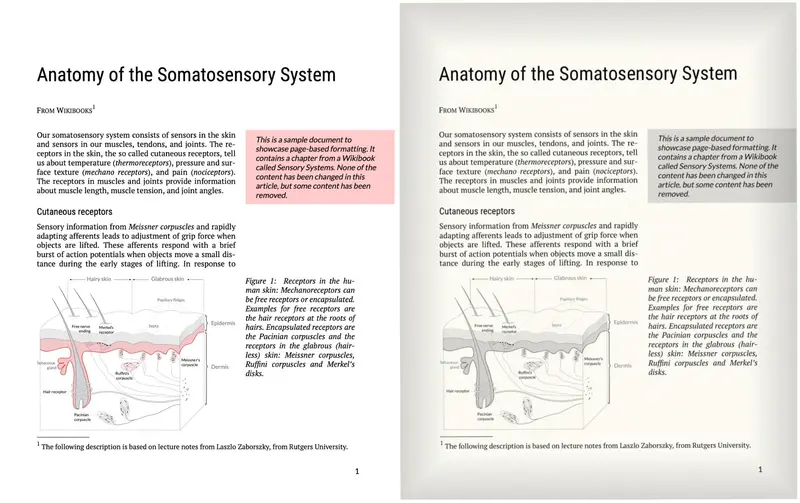
make-look-scanned
Make a PDF look like a paper scanMakes a PDF look like a physical scan (skew, paper tone, grain); Go CLI or in-browser WASM
Use in the browser★ 940▲ 155 HN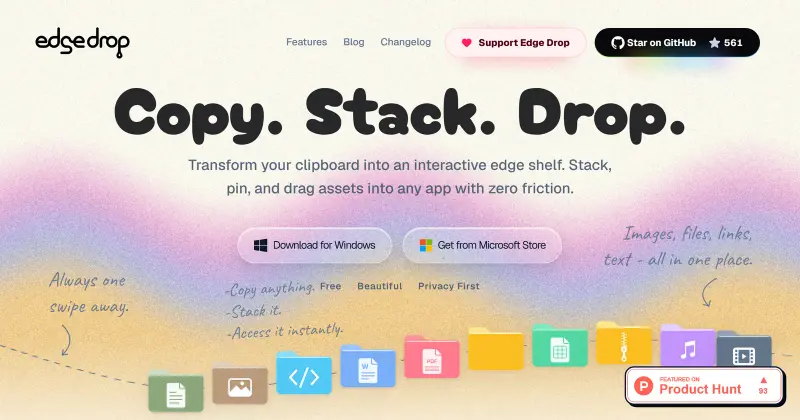
Edge-Drop
Drag-out clipboard shelf for WindowsWindows clipboard shelf on the screen edge — hover to open, drag items into any app
Install to use★ 722▲ 6 HN